10
GB
GB
Setting the Watering Time:
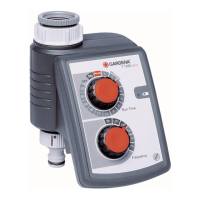
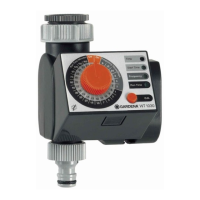
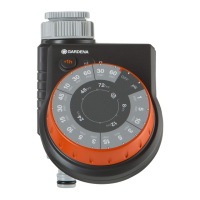
5. Set the watering time on the outer white scale (Run Time
Minutes) using the control knob and confirm your selection
by pressing the OK button (e.g.: 30 minutes).
The program you have selected is now active.
On hot or cooler days you can change the watering time before the
program starts without having to re-enter the time of day, watering
starting time or watering cycle.
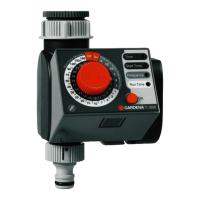
1. Select the changed watering time on the outer white scale
(Run Time Minutes) by turning the control knob.
(e.g.: 20 minutes).
The
Run Time
LED flashes.
2. Confirm the watering time you have selected by pressing the
OK button.
The changed watering time is now active.
5.
Changing the watering time:


 To Next Page
 Loading...