14
GB
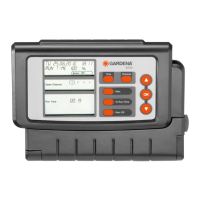
The Watering Controller must only be used for controlling
24 V (AC) valves.
Please note
2. For Your Safety
Watering Controller:
The Watering Controller must only
be operated with the 24-V (AC)
power supply unit provided.
v Protect the 24-V (AC) power supply unit
from moisture when connected.
The Watering Controller (without power supply
unit) is splash proof.
v Avoid, however, spraying the Watering
Controller directly with water.
To prevent loss of data if a power failure
occurs, only use a 9 V alkaline battery IEC
6LR61 to buffer data. We recommend using
batteries manufactured by Varta and
Energizer.
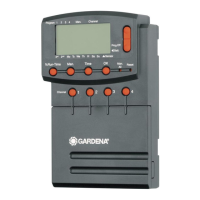
3. Function
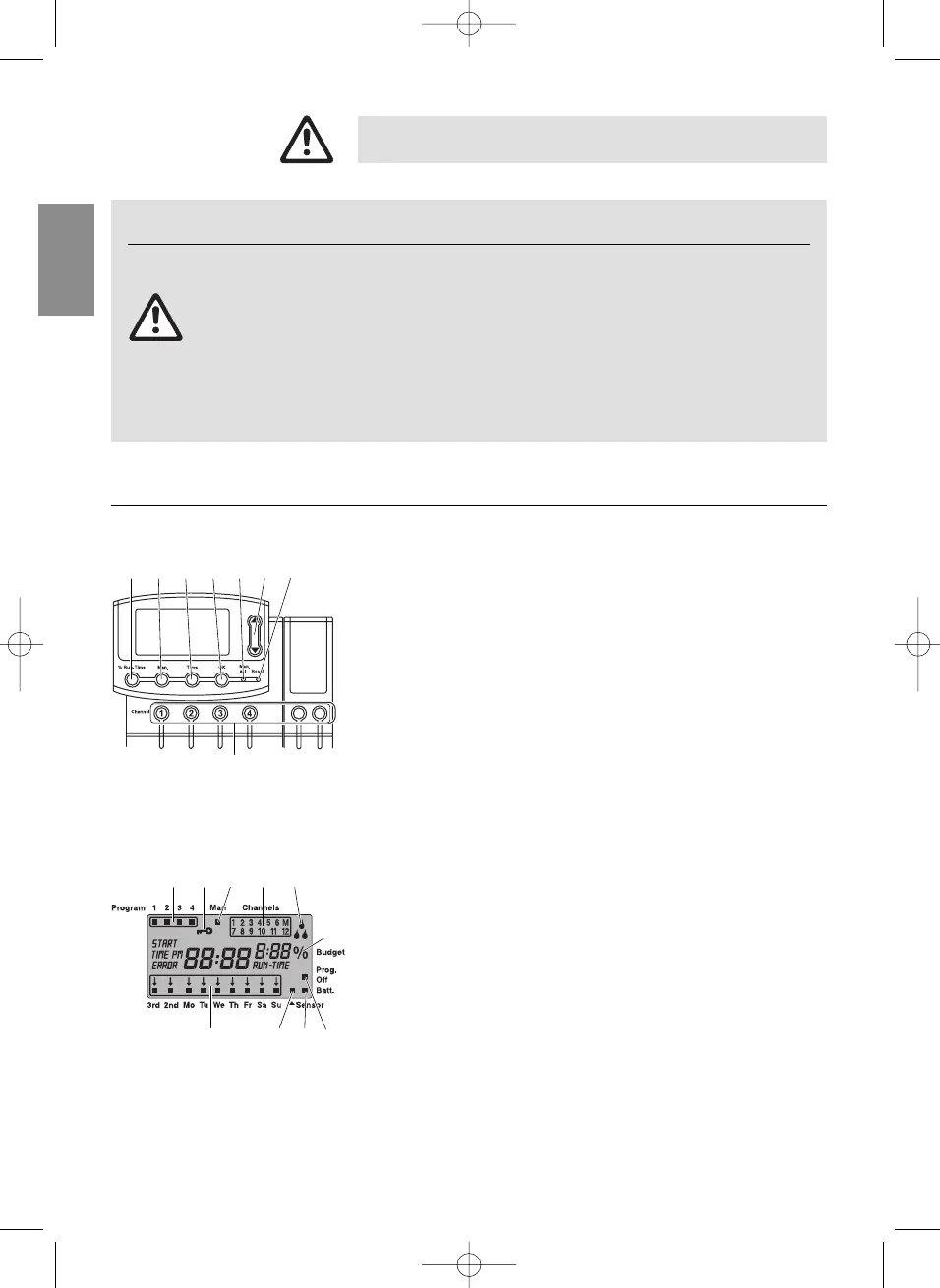
1
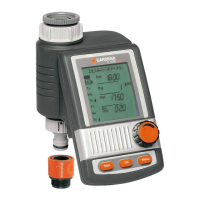
% Run-Time key: Calls up the %Run Time function.
2
Man key: Opens /closes individual channels manually.
3
Time key: Displays the time.
44
OK-key: Confirms the settings you selected
using the ▲-▼ keys.
55
Man. All key: Opens /closes all the channels automatically
in sequence.
66
▲-▼ keys: For changing or advancing specified data
already entered (if you press and hold
down one of the ▲-▼ keys you can change
data in the quick run-through mode).
77
Reset key: Deletes all program data.
88
Channel key: Calls the channels.
99
Program Display:
Indicates which program of the particular channel the Watering
Controller is currently executing. If several channels are opened
at the same time, the program indicator is no longer displayed.
00
Key Lock:
To enable/disable the key lock, press the Man key and the
Ok key simultaneously.
AA
Manual Control Display:
The display shows Man when manual control is activated.
BB
Channel Mode Display:
Modes: open, locked and program overlap.
CC
Watering Display:
If a program is just being implemented, the drops on the water-
ing display flash alternately.
DD
% Run-Time Function:
Duration of watering can be set between 10 - 200 % for all
channels.
Key assignment
Watering Controller display
H G F E
B C
D
9 0
5 72 3 41 6
8
A


 To Next Page