21
GB
6. Trouble-Shooting
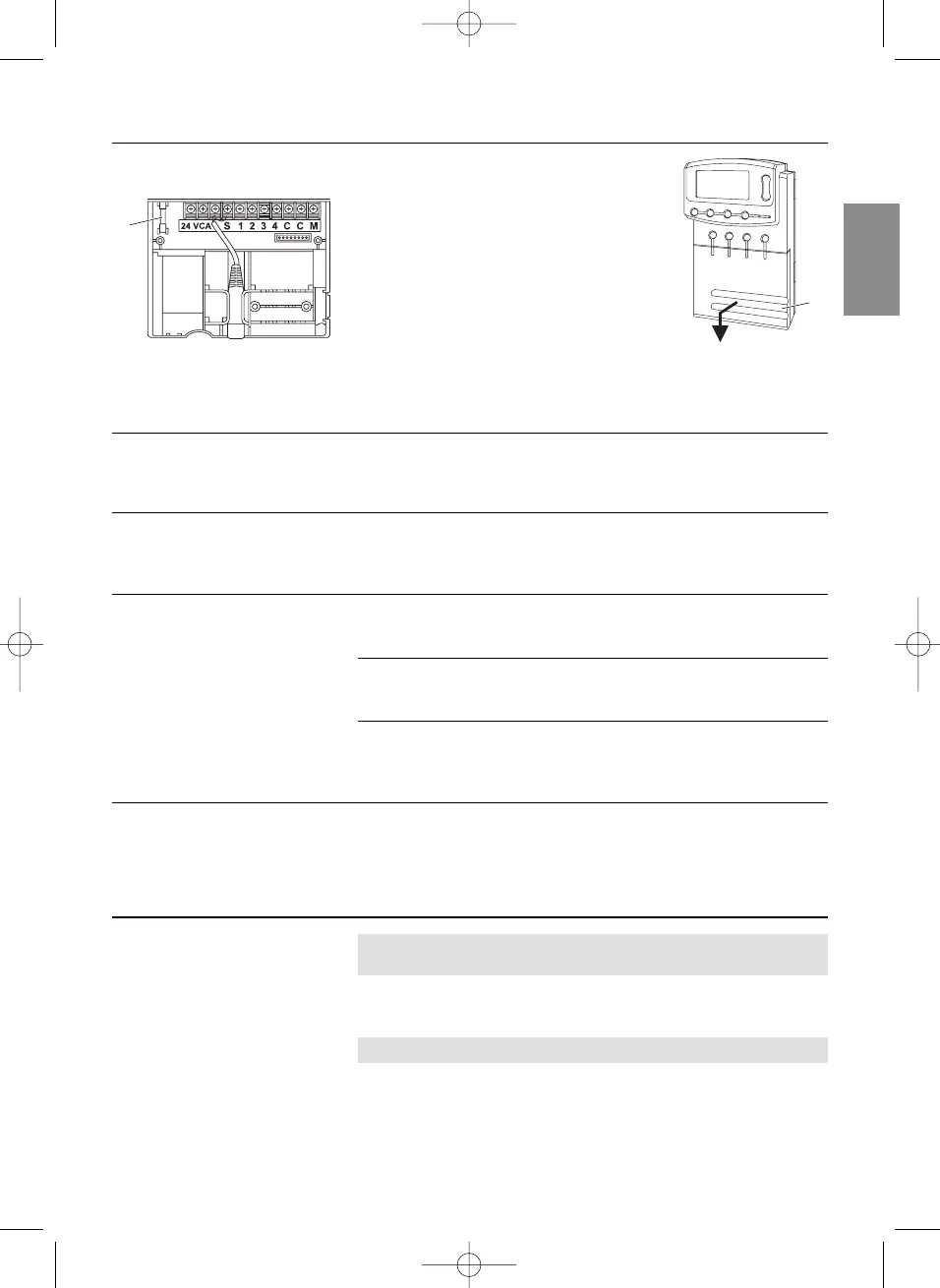
1. Check battery status in the display and
replace battery if necessary.
2. Unplug the mains plug of the 24 V (AC)
power supply unit.
3. Raise cover
1
and pull downwards.
4 Remove the fuse
0
and install a new
fuse (2.5 A slow-blowing fuse).
5. Push cover
1
on to the connection box.
6. Plug the mains plug of the 24 V (AC)
power supply unit into a 230V mains
socket.
Fault Possible Cause Remedy
No display External temperature below v Wait until the external air
–10 °C or above +50 °C. temperature returns to the
operating temperature
range.
LCD display shows The fuse has blown. 1. Check the wiring diagram
EERRRROORR FFUUSSEE
and /or determine the
cause.
2. Replace the fuse.
LCD display shows The power supply unit is not v Plug the power supply unit
EERRRROORR
no
AACC
plugged in (the programs are into a mains socket.
(the programs are retained). not deleted).
Valve cabling has a v Connect valve cables correctly
short-circuit. (see 4. Putting into Operation
“
Connect valves”
).
The power supply is over- v Only so many valves may be
loaded because valves from opened at the same time that
other manufacturers have the total power consumption
been used. does not exceed 900 mA.
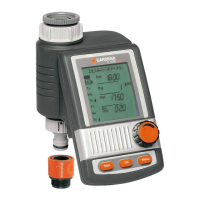
If you have any other problems with your Watering Controller, please contact your nearest GARDENA
Service Centre.
7. Putting Out of Operation
The watering controller is frost-proof down to –20°C.
No measures are required when frost commences.
v Check battery status display before the power supply unit is
disconnected.
Only dispose of batteries when they are flat.
v Return flat batteries to the place you bought them
or
dispose of them properly at your local recycling/disposal centre.
Replacing the fuse:
Wintering:
Important:
0
1


 To Next Page