20
GB
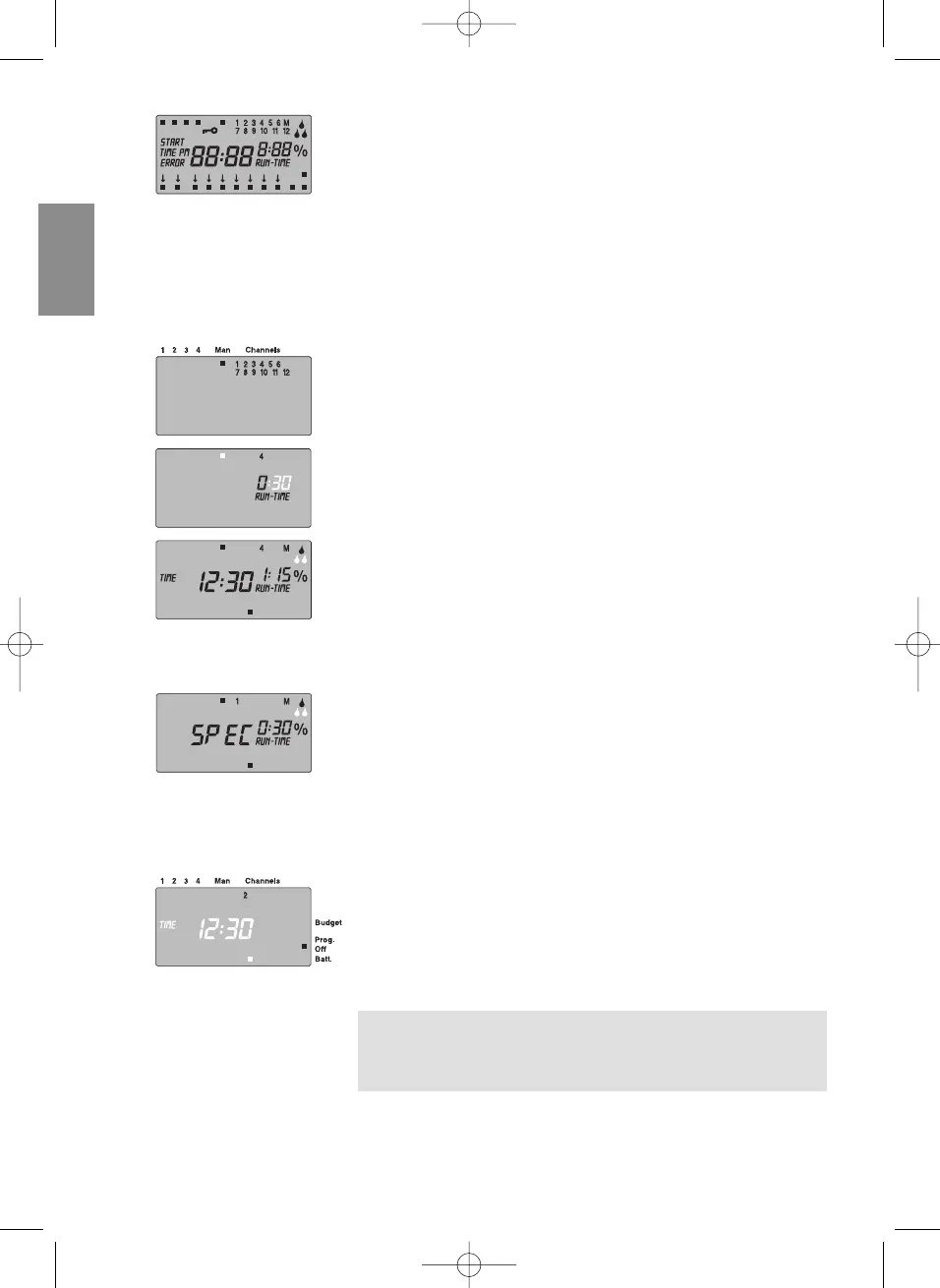
v Keep Reset key pressed for 5 seconds.
• All symbols of the display light up for 2 seconds.
• The program data for all programs is deleted.
• The actual time and the day of the week are retained.
A reset can be triggered at any time. After this it is necessary to
choose between a 24 and 12 hour display and the time must be
set (see 5. Operation
“Setting the time”
).
Manual Watering
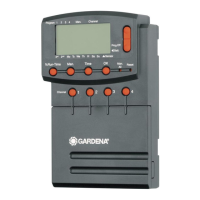
1. Press the Man key.
The manual display
Man ■
appears and all the channels flash
in the display.
2. Press the relevant Channel key (e.g. channel 4).
RRUUNN TTIIMMEE
and hours flash on the display.
3. Press the Man key if you want to irrigate for
00
::
3300
minutes
– or –
set the manual watering duration using the ▲-▼ keys
(e.g.
11
::
1155
) and confirm your entry by pressing the OK key.
Manual watering starts.
If all the channels are to be enabled manually one after the other,
it is possible to do this using the Man. All key. During this process,
all the channels are opened manually one after the other corre-
sponding to the manual watering period.
v Press the Man. All-key.
SSPPEECC
is displayed and watering starts with channel
1.
If watering is not necessary e.g. because of a relatively long period
of rain, all the channels can be blocked via the % Run Time func-
tion (see
“ % Run-Time function”
).
Individual channels can be blocked as follows:
1. Press and hold down the OK key and then press the relevant
Channel key. (e.g. Channel 2).
The blocked channel and
Prog. Off
flash in the display.
2. To reactivate the channel again, press and hold down the
OK key and then press the relevant Channel key.
Tip: Should you have any questions about operating or pro-
gramming your Watering Controller, please do not hesitate to
contact your nearest GARDENA Service Centre. We will be
happy to help you.
Manual watering:
Water all channels manually:
Blocking channels:


 To Next Page