91
GB
Example:
In addition to time-based watering, it is also possible to include
the soil moisture or rain sensor in the watering programs.
If the soil is moist enough, the program will be stopped, or a
program will be prevented from starting. Manual operation via
man. On/Off is unaffected by this.
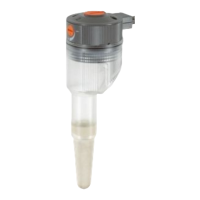
1. Place soil moisture sensor in the watered area
– or –
place rain sensor (with extension cable if necessary)
outside the watered area.
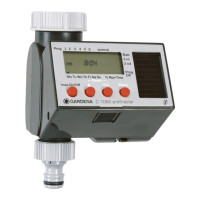
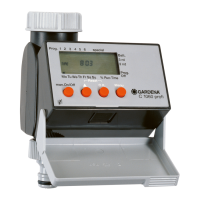
2. Insert the sensor in the sensor connection
N
of the Water
Computer.
Connect soil moisture
or rain sensor (optional):
Program Starting time Watering time Watering days / Watering cycles
PROG START TIME RUN TIME Mo Tu We Th Fr Sa So 2
nd
3
rd
1 7: 30 0 : 30 X X X
2 19:00 0:20 X X
3 22 : 30 1 : 10 X X X
4 4:00 0:15 X
5 ––
6 ––
N


 To Next Page
 Loading...