6
GB
The functional safety of the water timer depends on the capability
of the battery.
If you change the battery the program is not saved.You must
reprogram the Water Timer (see 5. Operation).
4. Putting Your Water Timer into Operation
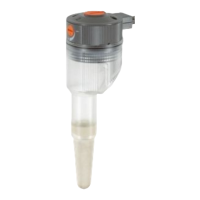
1. Press the release button
1
and remove the control unit
2
from the housing of the Water Timer.
2. Insert the battery
3
in the battery
compartment.
Pay attention to the polarity
(+/ – markings).
3. Re-attach the control unit
2
to
the housing.
Make sure you exchange the battery
at the right time to prevent the Water
Timer failing due to a low battery when
you are away for longer periods of
time.
Make sure that the time the battery has been in operation and the
time you are planning to be away does not add up to more than
a year.
Inserting the battery:
2
3 z
P
1
P



 To Next Page
 Loading...