Edge200Owner’sManual 9
➊
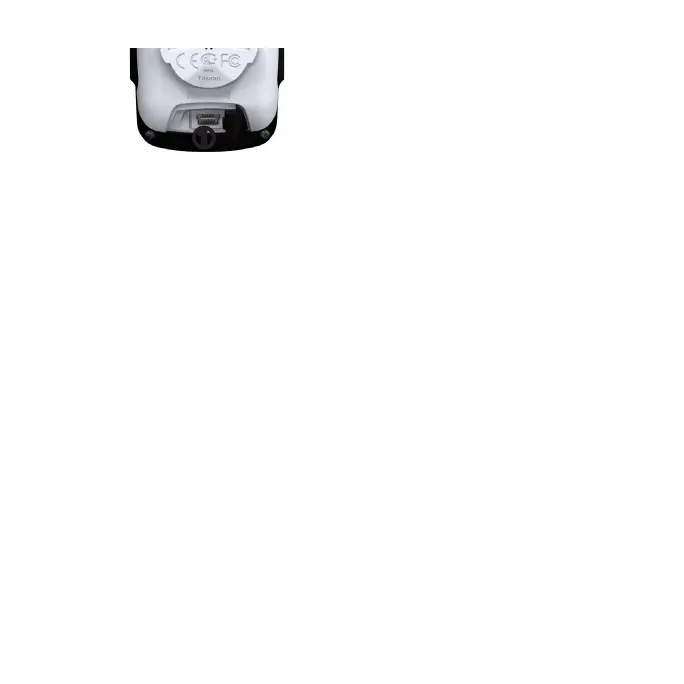
3. Plug the small end of the USB
cable into the mini-USB port.
4. Go to www.garminconnect.com.
5. Follow the on-screen instructions.
Select > to
view the accumulated ride distance
and time.
1. Select > >
.
2. Select an option:
• Select to reset current trip
data
• Selectto reset all
odometer data.
3. Select .
After you have transferred your history
to your computer, you may want to
delete the history from your Edge.
1. Select .
2. Select an option.
3. Select a ride.
4. Select > .
You can use Edge alerts to train toward
specic distance, time, and calorie
goals.
1. Select > .
2. Select , ,or.
3. Turn on the alert.
4. Enter a time, distance, or calorie
amount.








 To Next Page