6. When everything is aligned
and working correctly, tighten
the cable ties, sensor arm,
and spoke magnet.
Step 7: Set YourSet Your
Proles
The Edge uses information that you
enter about yourself and your bike to
calculate accurate ride data.
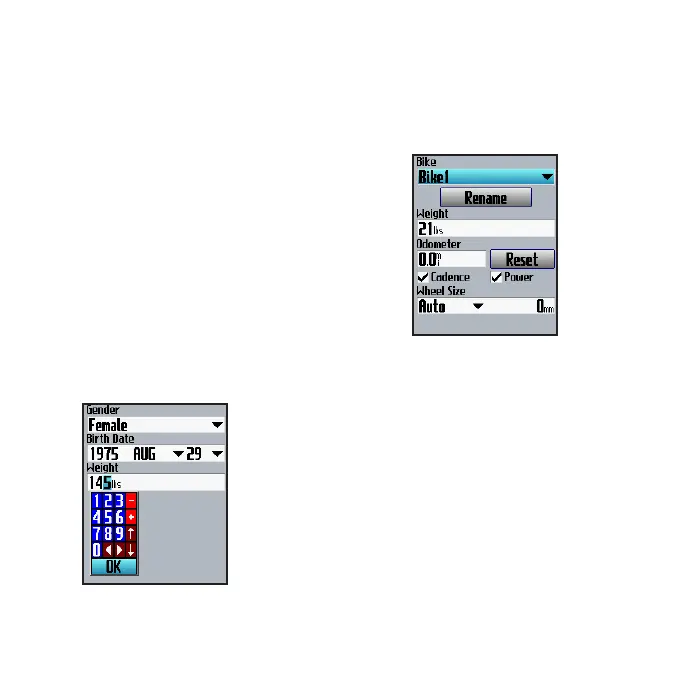
To set your user prole:
Press menu > select Settings >
Prole & Zones > User Prole.
Use the
thumb stick
to change the
eld values.
To set your bike prole:
Press menu > select Settings >
Prole & Zones > Bike Prole.
Step 8: Go for a Ride!
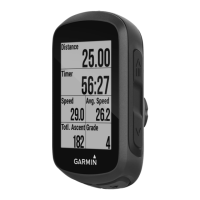
Press mode to view the bike
computer page. Press start to start
the timer. After completing your ride,
press stop. Press and hold lap/reset
to save your ride data.



 To Next Page