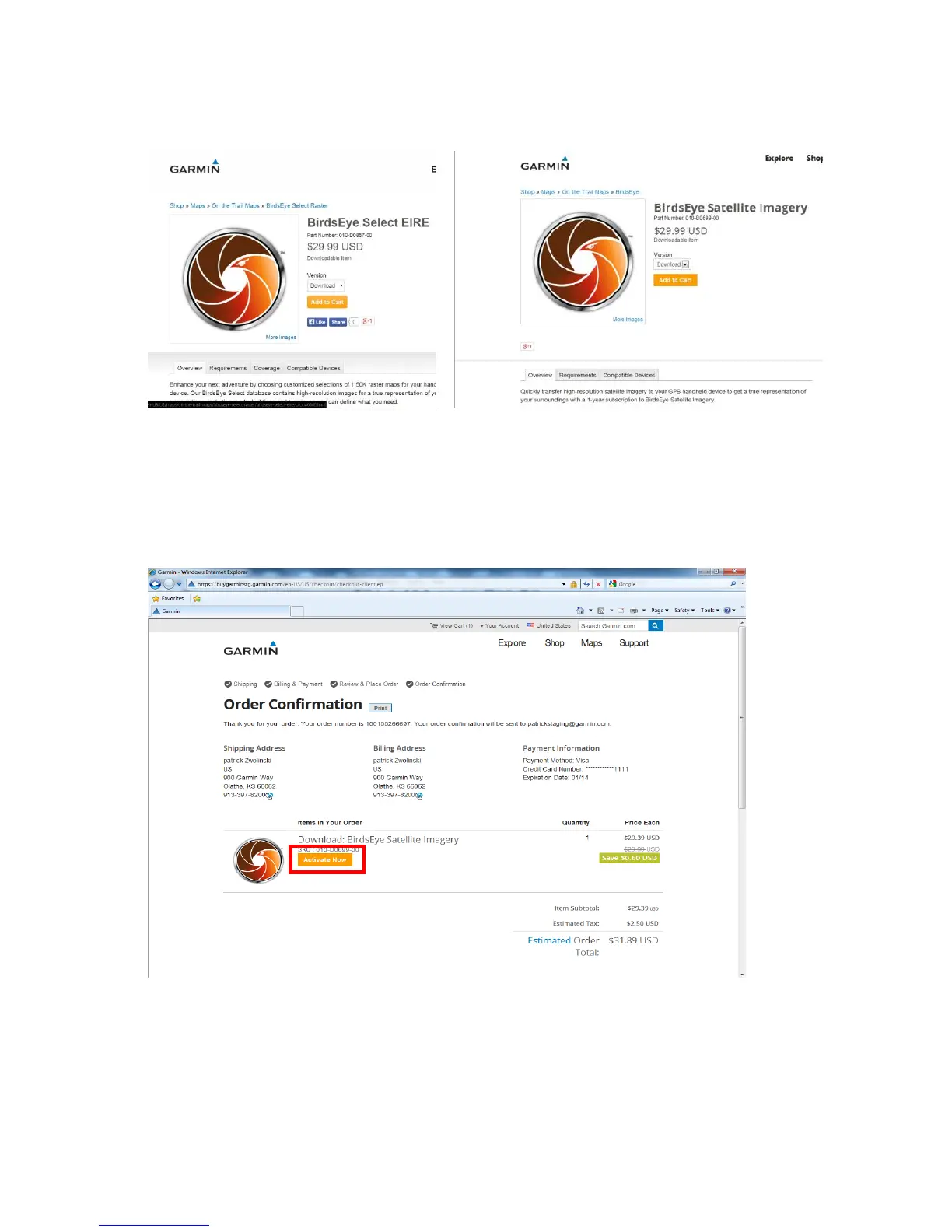
To purchase a BirdsEye product, follow the instructions below:
1. Select the product you want from the website.
2. BirdsEye subscriptions must be “activated” to your Garmin device. You will be prompted to do this
activation after checkout. If you missed this step, or have a device that came preloaded with a
subscription, don’t worry….there are other ways to activate your BirdsEye product.









 To Next Page