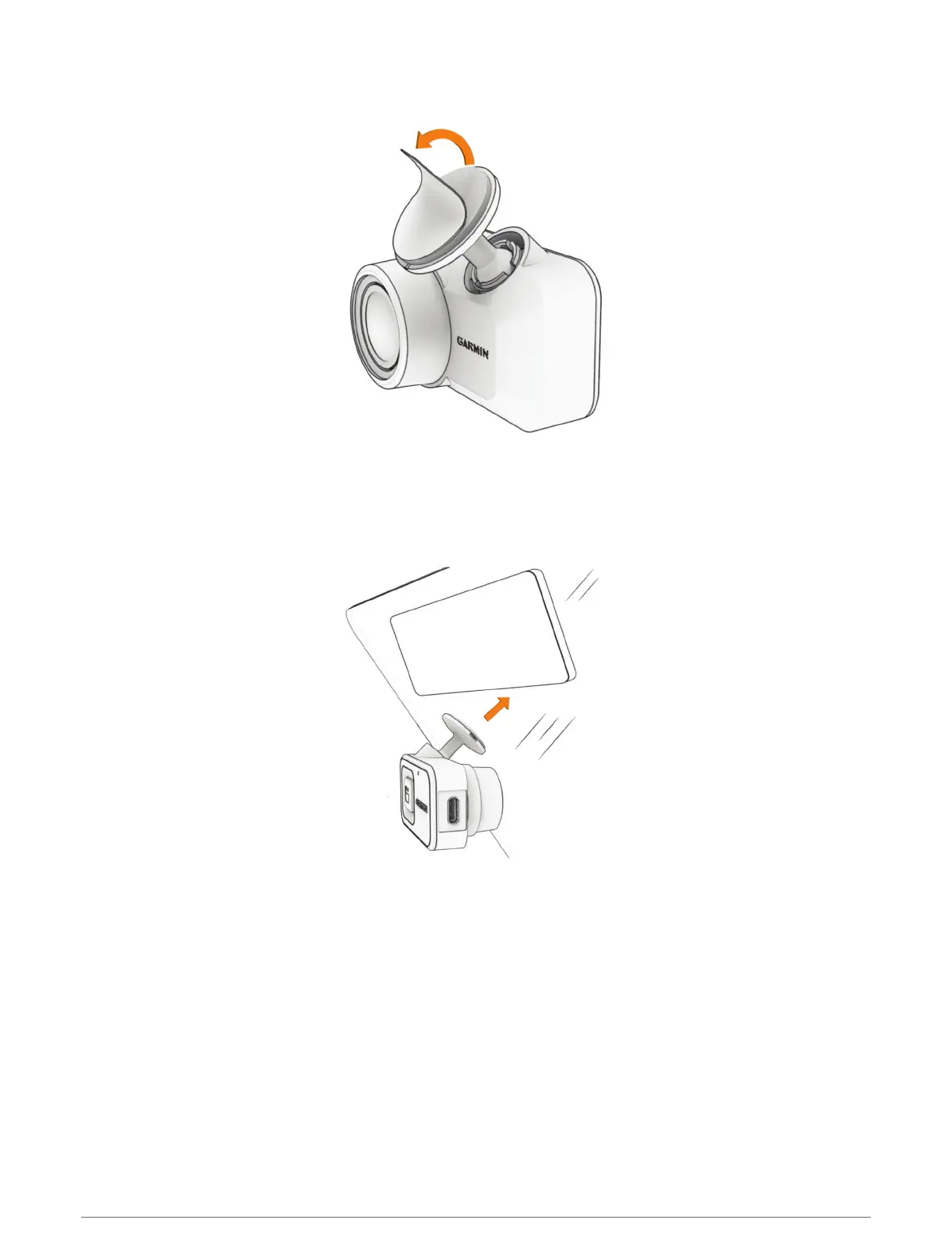
3 After you have selected a mounting location with a clear view, remove the protective film from the mount
adhesive.
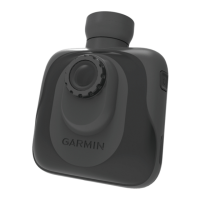
4 Position the mount over the mounting location.
TIP: The adhesive is extremely sticky. Avoid touching the adhesive to the windshield until the mount is
properly positioned.
5 Press the mount firmly onto the windshield, and maintain pressure for 30 seconds.
This helps to ensure the mount adhesive has proper contact with the windshield.
Getting Started 3


 To Next Page