EasyManua.ls Logo

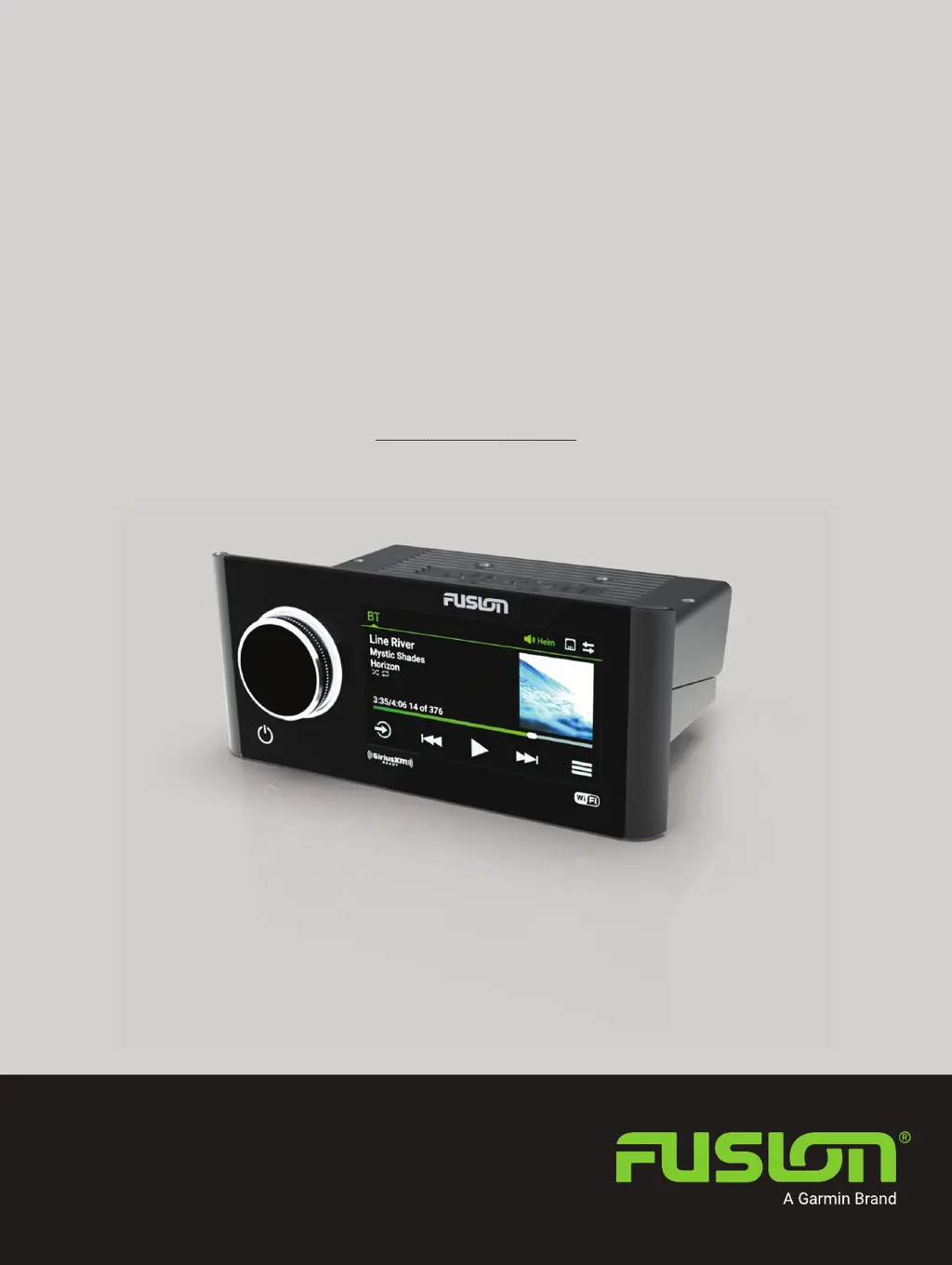
Garmin Fusion Apollo MS-RA770 - User Manual

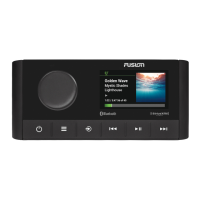
Garmin Fusion Apollo MS-RA770
46 pages
Print Icon
To Next Page IconTo Next Page
Loading...
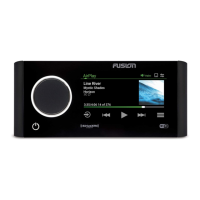
FUSION
®
Apollo
MS-RA770
O W N E R S M A N U A L
ENGLISH

Table of Contents

Questions and Answers

  • T
    Tiffany VasquezJul 28, 2025
    What to do if my Garmin Fusion Apollo MS-RA770 Stereo System says 'No Signal'?
    • E
      Edward PetersonJul 29, 2025
      If your Garmin Stereo System displays a 'No Signal' message, it indicates the SiriusXM Connect Vehicle Tuner is struggling to receive the satellite signal. First, ensure the SiriusXM antenna is placed outdoors with a clear, unobstructed view of the sky and is securely mounted. Remove any obstructions near the antenna. Also, check the antenna cable for damage or kinks, and replace the antenna if the cable is damaged.
  • A
    aburnsAug 5, 2025
    What to do if my Garmin Fusion Apollo MS-RA770 Stereo System displays 'Subscription Updated'?
    • L
      Lisa ClaytonAug 5, 2025
      If your Garmin Stereo System shows 'Subscription Updated', select any button to clear the message.
  • M
    Michael CarlsonAug 12, 2025
    How to fix 'Check Tuner' error on my Garmin Fusion Apollo MS-RA770?
    • N
      Nancy PierceAug 12, 2025
      If you receive a 'Check Tuner' error on your Garmin Stereo System, verify that the SiriusXM Connect Vehicle Tuner cable is securely connected to the stereo.
  • A
    anthonyballAug 21, 2025
    How to fix 'Check Antenna' error on my Garmin Stereo System?
    • S
      Sarah KingAug 21, 2025
      If your Garmin Stereo System displays a 'Check Antenna' error, it could mean the antenna cable is either disconnected or damaged. Here's what you should do: * Verify the antenna cable is securely connected to the SiriusXM Connect Vehicle Tuner. * Inspect the antenna cable for any signs of damage or kinks. If you find any damage, replace the antenna.

Summary

Getting Started

Stereo Controls

Details how to use the device's physical controls like the dial and buttons.

Playback Controls

Explains the on-screen buttons for media playback (play, pause, skip).

Stereo Screen Overview

Describes the main display elements: source name, track details, album art.

Selecting an Audio Source

Guides users on how to choose between different audio inputs like BT, USB, Radio.

Audio Configuration

Volume and Tone Adjustment

Covers adjusting overall volume, muting, and modifying tone settings (bass/treble).

DSP Settings

Details digital signal processing for optimizing audio with speakers and amplifiers.

Speaker Zone Management

Explains grouping speakers into zones for individual audio control.

Media Sources and Playback

Automatic Volume Adjustment Based on Speed

Enables volume to adjust automatically based on vessel speed.

Media Player Connection

Discusses connecting smartphones, USB drives, and other devices for audio playback.

Bluetooth Device Playback

Covers pairing, connecting, and playing audio wirelessly via Bluetooth.

USB Device Playback

Details connecting and playing audio from USB flash drives and media players.

Radio Tuner Operation

Guides on tuning AM, FM, SiriusXM, and DAB radio stations.

Apple AirPlay Streaming

Explains how to stream audio wirelessly from Apple devices using AirPlay.

UPnP and Auxiliary Playback

Covers streaming from UPnP devices and connecting auxiliary audio sources.

SiriusXM Satellite Radio

Covers setup, activation, and features of the SiriusXM service.

DAB Playback

Details how to tune and play Digital Audio Broadcasting (DAB) stations.

Network and Connectivity

Fusion PartyBus Networking

Explains connecting multiple stereos for synchronized audio across a network.

General Settings

Covers system-wide settings like device name, language, and source configuration.

Network Settings

Details Wi-Fi client, access point, and advanced network configurations.

DHCP Server Configuration

Guides on setting up the stereo as a DHCP server for network IP assignment.

Remote Control and App Integration

Additional Stereo Control Options

Covers controlling the stereo via external devices and apps.

Fusion-Link Wireless Remote Control App

Explains using the mobile app for stereo control and updates.

Maintenance and Troubleshooting

Software Updates

Provides instructions for updating the stereo's software via USB or app.

Troubleshooting

Offers solutions for common operational issues like unresponsiveness or Bluetooth problems.

Network Troubleshooting

Helps diagnose and resolve issues with Fusion PartyBus network connectivity.

Technical Specifications

Specifications

Lists detailed technical data including weight, power, and operating ranges.

Stereo Dimension Drawings

Provides physical dimensions and mounting diagrams for installation.

Garmin Fusion Apollo MS-RA770 Specifications

General IconGeneral
BrandGarmin
ModelFusion Apollo MS-RA770
CategoryStereo System
LanguageEnglish

Related product manuals