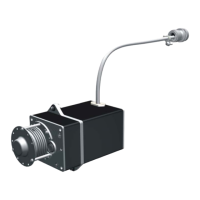
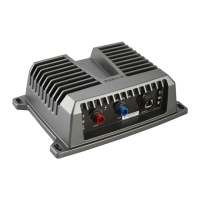
Mounting the Adapter Box
1 Using the 3.2mm (
1
/
8
in.) bit, drill the pilot holes.
2 Insert the screws into the pilot holes, but do not tighten them flush with the surface.
3 Place the adapter box on the screws and slide it into place.
4 With the adapter box unmounted, connect the wires.
5 Tighten the screws until the adapter box is securely fastened to the surface.
Connecting a Transducer to the Adapter Box
Preparing a Transducer to Connect to the Adapter Box
Before you can begin the installation, you must check your transducer compatibility.
NOTICE
This transducer adapter box is not intended for use with a Garmin differential 8-pin transducer. Do not cut a
Garmin differential 8-pin transducer cable. Connect it directly to the 8-pin port on the sonar module.
1 Cut the connector off the non-differential transducer cable, as close to the connector as possible.
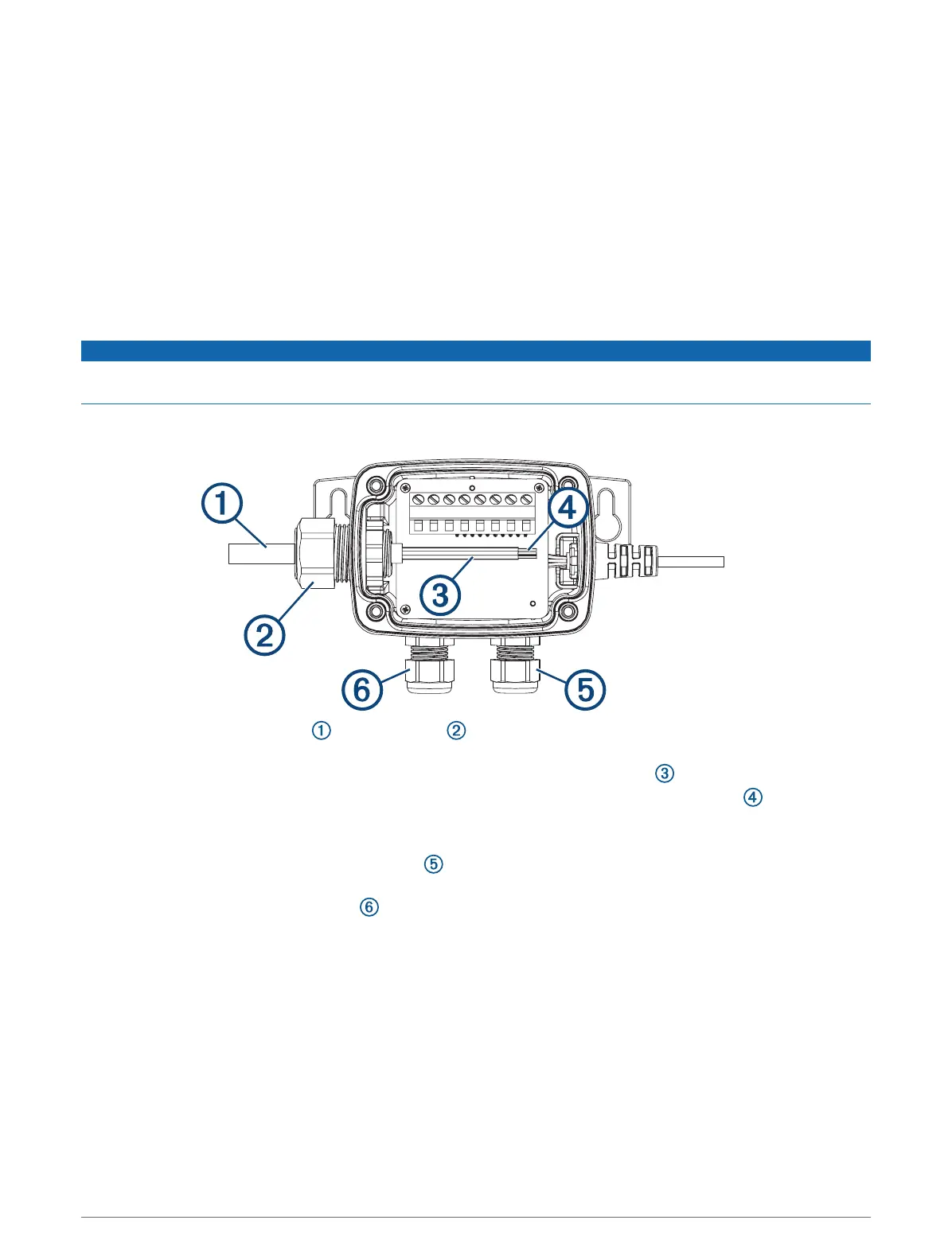
2 Feed the cut end of the cable through the nut on the side of the housing, and pull it out through the
other side.
3 Use a wire stripper to remove about 90mm (3
1
/
2
in.) of the outer cable jacket and foil shield.
4 Use a wire stripper to remove about 6mm (
1
/
4
in.) of the insulation from each internal wire .
NOTE: Tinning the stripped wires is recommended.
5 For transducers without a temperature sensor, you can use a 15mm (or adjustable) wrench to connect a
separate temperature sensor through the nut on the bottom side of the housing (optional).
6 To add a separate water speed wheel sensor, you can use a 15mm (or adjustable) wrench to connect the
speed wheel sensor through the nut on the bottom side of the housing (optional).
2


 To Next Page