9
Introduction
Unit Description
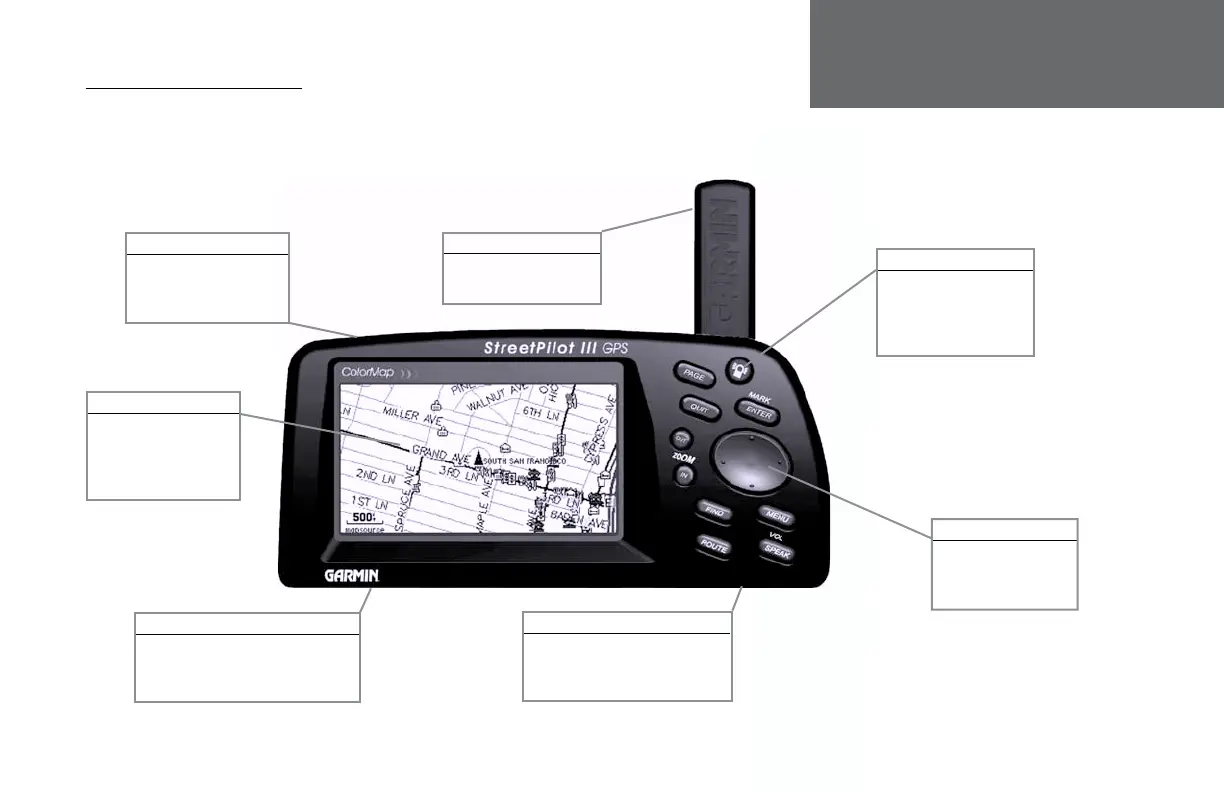
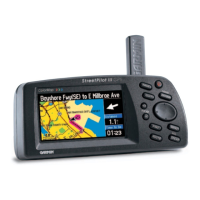
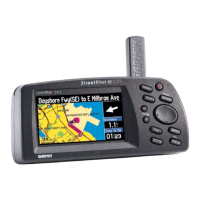
StreetPilot III Description
Power/Data Connector
(Back Side) Connections for
Power, Ground, Serial Data
In and Serial Data Out.
16-Color LCD Display
On-screen information is
referred to as a “page”.
Press PAGE key to select
a different screen.
Detachable Antenna
Rotate upright for best
satellite reception.
Power/Backlight Key
Press and hold to turn
on/off. Press momentarily
to adjust screen backlight
and contrast.
Battery Door
(Back Side) To open, turn metal D-ring
counterclockwise 1/4 turn and pull
battery door away from unit.
Cartridge Door
(Bottom) Insert programmed card
for increased map detail and
information lookup capability.
Rocker Keypad
Moves the cursor, pans
the Map Page and
enters data.
OM REV B.indd 6/28/01, 9:42 AM9





 To Next Page