12
Unit Pages at a Glance
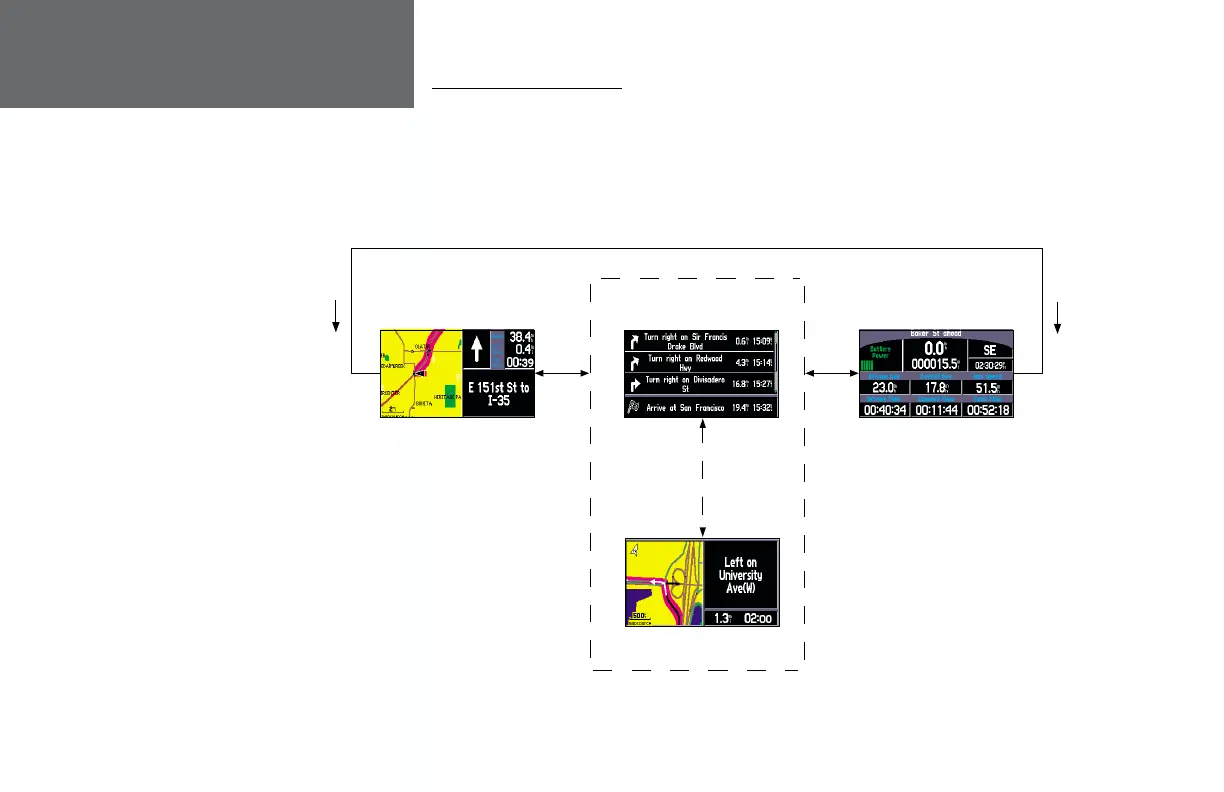
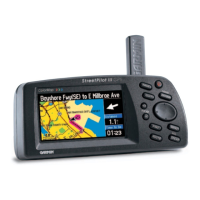
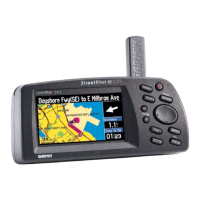
All of the information needed to operate the StreetPilot III is found on ‘pages’—display screens.
There are three main pages, the Map, Trip Information, and Current Route. A fourth screen is available
during navigation, the Next Turn Page. Press the PAGE or QUIT key to switch back and forth between
pages. The Reference Section describes in detail what each page does and how they are confi gured.
Introduction
Unit Pages
Map Page
Trip Information Page
Next Turn Page—Available
only during navigation
PAGE
KEY
Current Route Page—Available
only during navigation
QUIT
KEY
SPEAK
KEY
(Or can be set
to automatically
appear for 10
seconds)
OM REV B.indd 6/28/01, 9:42 AM12






 To Next Page