6
Getting Additional Object Information
For many objects that you see on a BlueChart map, you can access additional
information about that object.
To get additional information when using a Garmin unit:
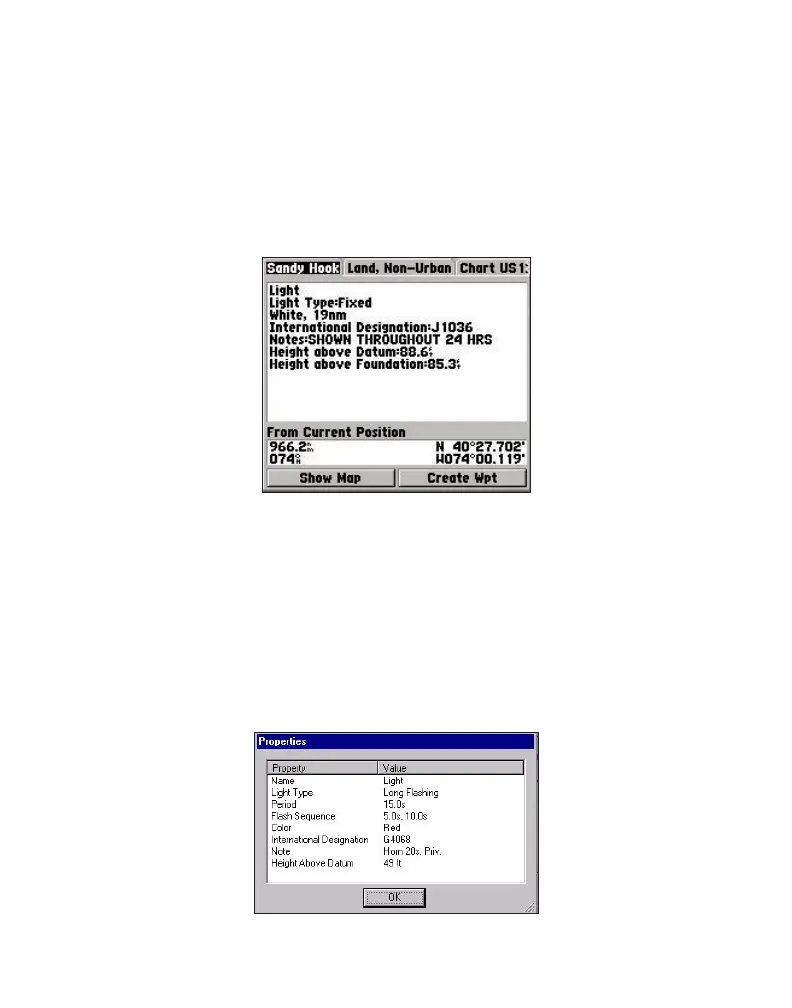
Place the unit’s cursor on an object, and press ENTER. A window appears with
additional information for the selected object.
To get additional information when using MapSource on a PC:
1. Move the mouse cursor onto a map object. The map object name appears in a
white box.
2. With the selection tool (press S on the keyboard), and click the right mouse
button on an object. If more than one object is at a given map location, a list of
map object names appears first.
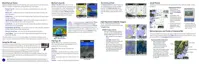
3. Select an object, and then select the Feature Properties option. A Properties
window appears.



 To Next Page