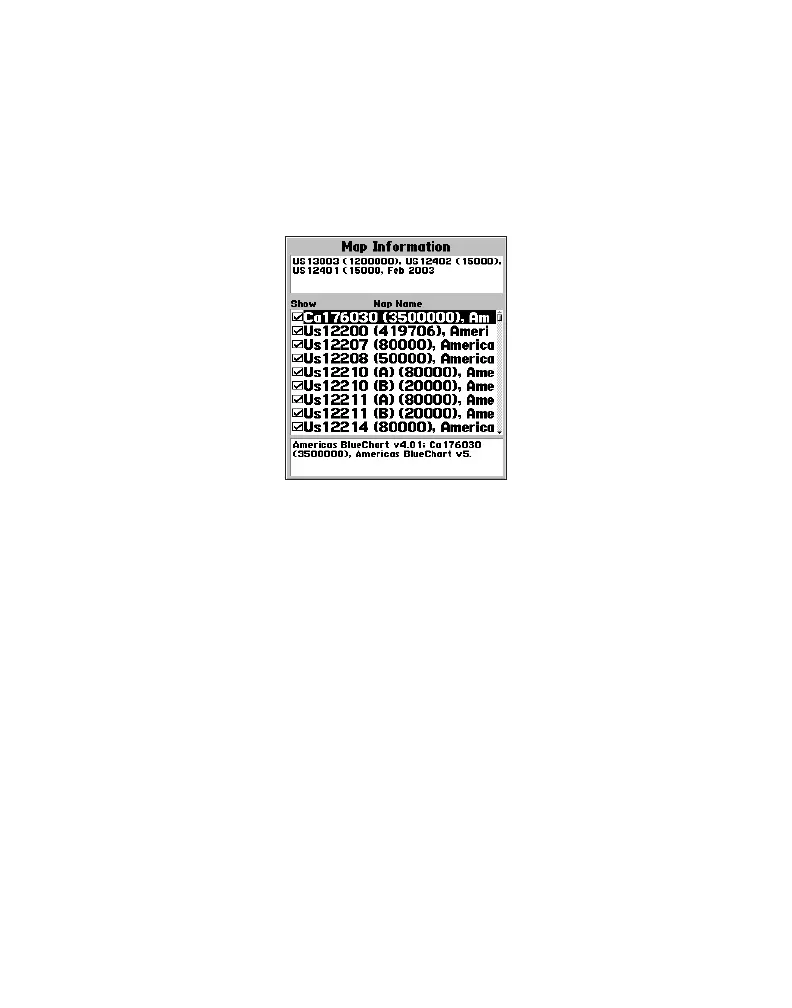
A feature of presenting data in a chart-by-chart manner is selecting only those
paper charts that you have on hand or that you want displayed on the Garmin unit.
By default, all available charts are displayed from preprogrammed cards. With
MapSource, you can choose which charts to download. See your Garmin unit’s
owner’s manual for specific steps, but the Garmin unit screen generally appears as
shown.
From this screen, use the Garmin unit’s on-screen cursor and press the ENTER key to
deselect (remove the check mark from the box) the individual paper charts that you do
not want to display.
To display chart information on your PC screen using MapSource:
1. Place the mouse cursor within a chart boundary, and (with the selection tool)
right-click the mouse.
2. Select the name of a chart, and then select Feature Properties. The
Properties window appears.
8



 To Next Page