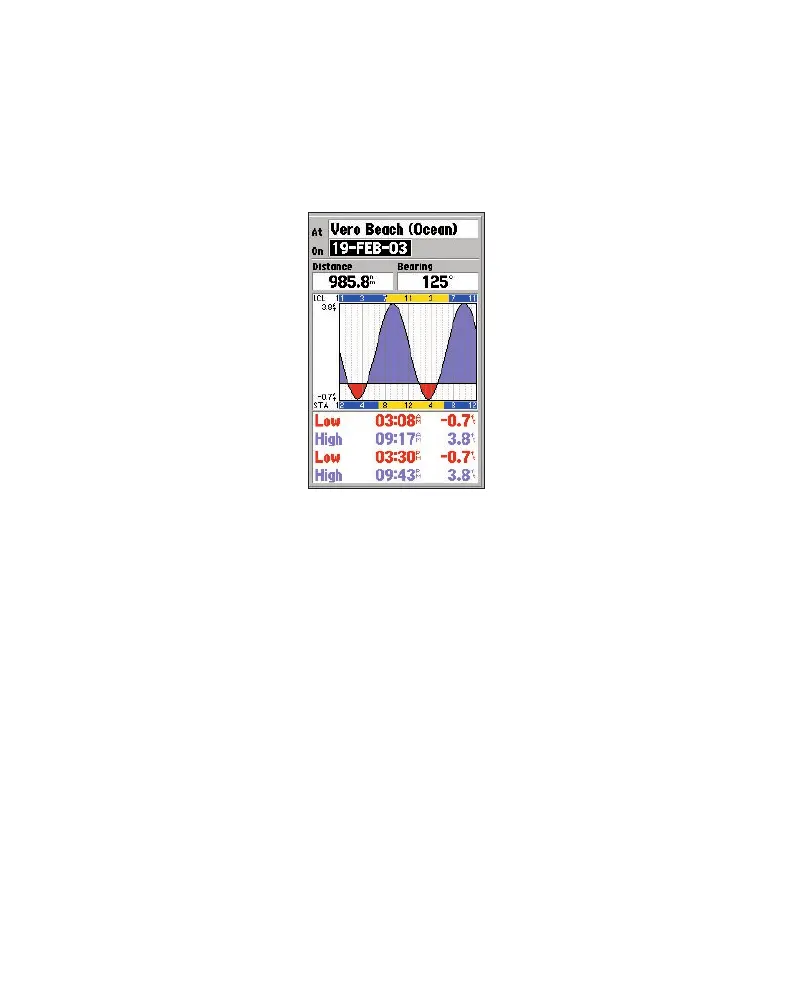
To view tides and marine services information on your Garmin unit:
1. Select and download the desired tide and marine services maps the same way
you would with MapSource BlueChart maps.
2. To display the same marine properties information found in MapSource on your
Garmin unit, place the map cursor on the desired symbol, and press ENTER.
12



 To Next Page