8
OPERATING INSTRUCTIONS
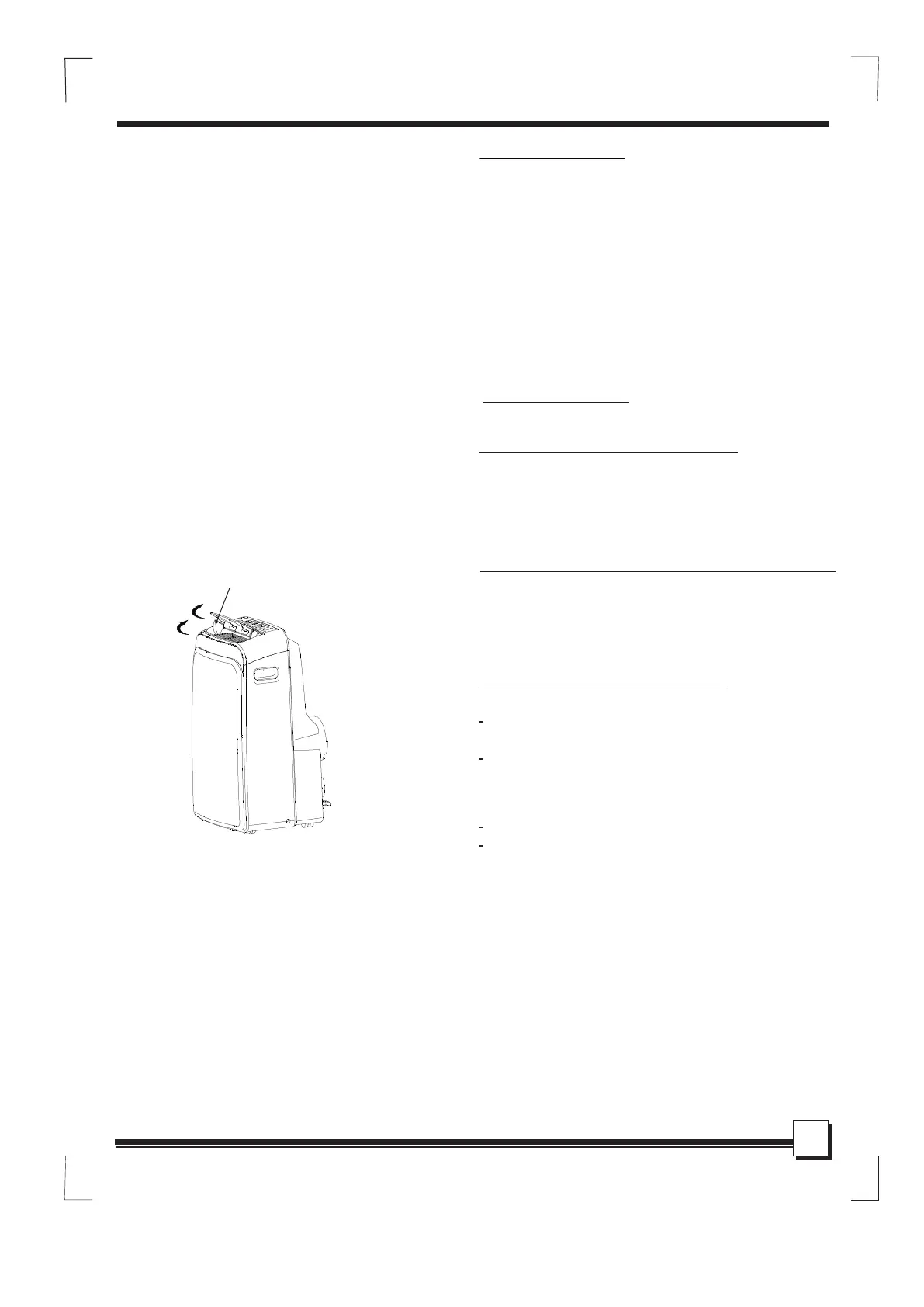
Fig.4
Other features
After the unit has stopped, it can not be restarted
in the first 3 minutes. T his is to protect the unit
Operation will automatically start after 3 minutes.
Wait 3 minutes before resuming operation
SLEEP/ECO operation
Press this button, the selected temperature will
O O
increase
C/2 F
(cooling) or decrease
(heating) by 1
30 minutes.The temperature will then increase
O O
(cooling) or decrease (heating) by another 1
C/2 F
after an additional 30 minutes. This new temper-
ature will be maintained for 7 hours before it returns
to the originally selected temperature. This ends
the Sleep/Eco mode and the unit will continue to
operate as originally programmed.
NOTE: This feature is unavailabe under FAN or
DRY mode.
If the unit breaks off unexpectedly due to the
power cut, it will restart with the previous
function setting automatically when the
power resumes.
Auto-Restart(on some models)
- Turning the unit ON or OFF at any
time or adjusting the timer setting
to 0.0 will cancel the Auto Start/
Stop timer program.
- When the malfunction (E1,E2,E3
or E4) occurs, the Auto Start/Stop
timed program will also be cancelled.
The louver can be adjusted automatically .
Adjust the air flow direction automatically
(Fig.4).
When the Power is ON, the louver opens fully.
Press the SWING button on the panel or
remote controller to initiate the Auto swing
feature.
The louver will swing up and down automatically.
Please do not adjust the louver manually.
Air flow direction adjustment
Swing automatically



 To Next Page