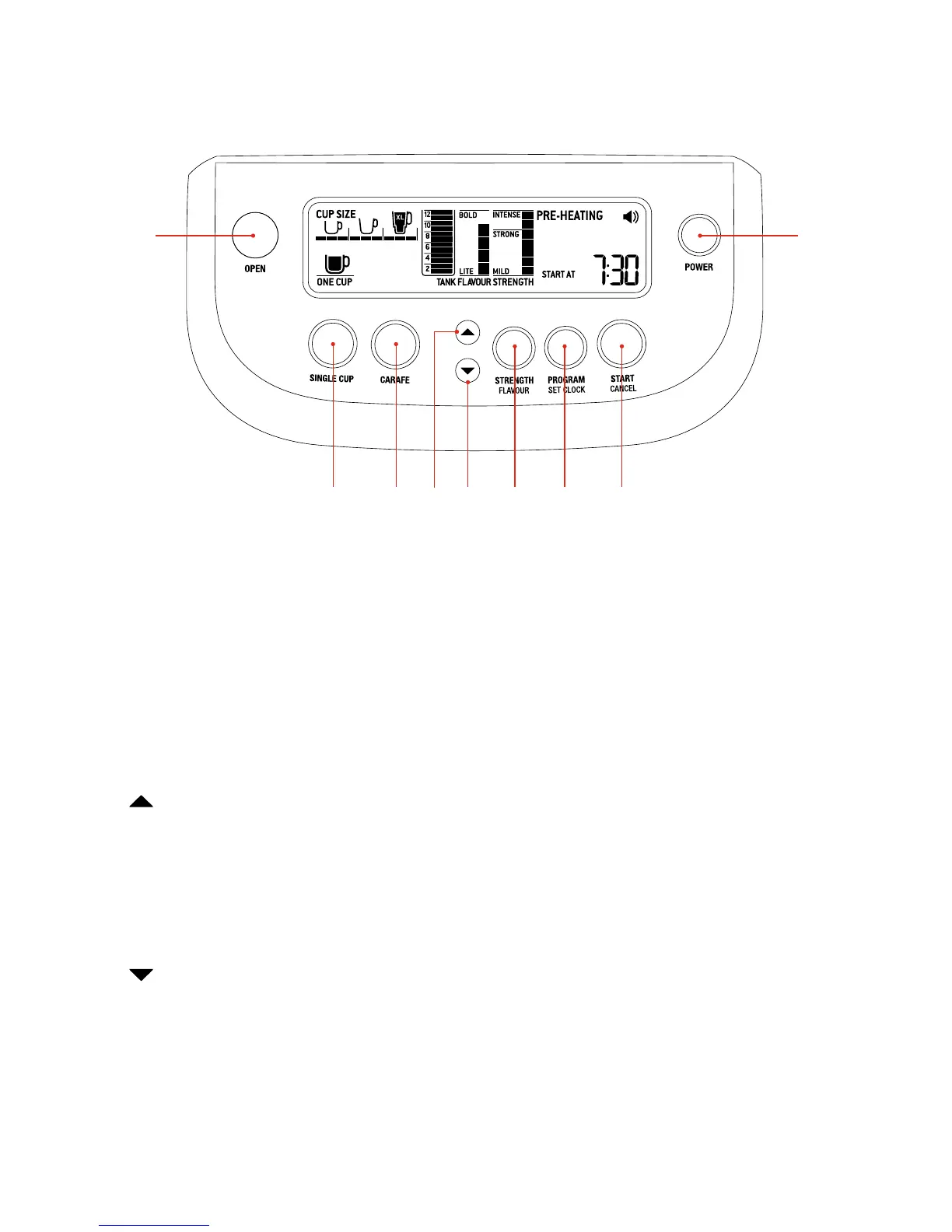
37
18 26
19 20 21
22 23 24 25
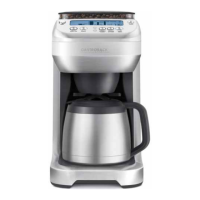
18 OPEN button
·
Press to open the swing-out door.
19 SINGLE CUP button
·
Press to brew a single cup of coffee.
·
Continue pressing to select between 9 brew sizes.
20 CARAFE button
·
Press to brew a carafe of coffee.
·
Continue pressing to select a specific carafe size between
2 cups (minimum) and 12 cups (maximum).
21 button
·
Use in conjunction with the STRENGTH | FLAVOUR button to
increase the volume of the ‘Ready’ signal.
·
Use in conjunction with the STRENGTH | FLAVOUR button to
increase the brew strength and flavour.
·
Use in conjunction with the PROGRAM button to program the
clock and Auto-Start.
22 button
·
Use in conjunction with the STRENGTH | FLAVOUR button to
decrease the volume of the ‘Ready’ signal.
· Use in conjunction with the STRENGTH | FLAVOUR button to
decrease the brew strength and flavour.
· Use in conjunction with the PROGRAM button to program the
clock and Auto-Start.
23 STRENGTH | FLAVOUR button
·
Press to adjust the brew strength. 7 settings plus ‘PRE-GROUND’
coffee setting vary the amount of freshly ground coffee for a mild,
strong or intense brew.
·
Press to adjust the flavour. 5 settings vary the steeping time of
the coffee and water to produce a light-flavoured cup or a bolder,
more full-flavoured coffee.
24 PROGRAM | SET CLOCK button
·
Press to program the clock (‘TIME NOW’ time).
·
Press to program the Auto-Start (‘START AT’ time).
25 START | CANCEL button
·
Press to start or cancel the brew cycle.
26 POWER button
·
Press to turn the power on or off, or to exit out of
POWER SAVE mode.
Control panel



 To Next Page