Starting the monitor www.gateway.com
12
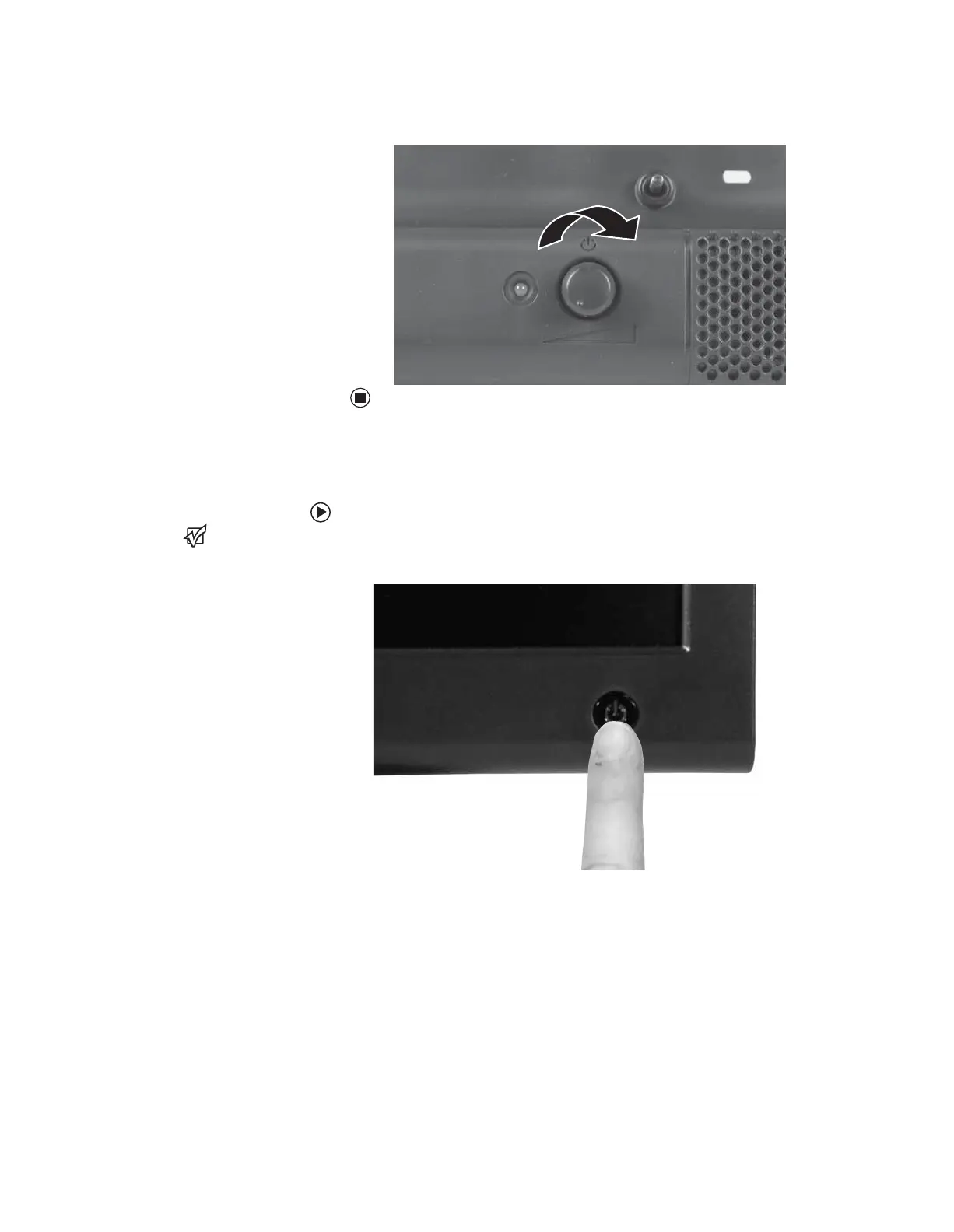
6 Turn on the speaker bar by rotating the power/volume knob clockwise.
Starting the monitor
To start the monitor:
Important
The appearance of your monitor may
vary from that shown.
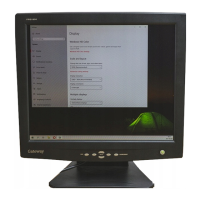
1 Press the power button on the front of monitor. The power LED on the
power button turns on.
2 Turn on your computer.
After your computer is running, the power LED on the monitor’s power
button should be blue. Allow about 10 seconds for the display image to
appear. If the power LED is not blue or you do not see a display image,
check the connections. For more troubleshooting information, see
“Troubleshooting” on page 22.
3 Adjust the tilt of the monitor for the best viewing angle.
8511654.book Page 12 Monday, July 24, 2006 11:00 AM


 To Next Page