www.gateway.com
59
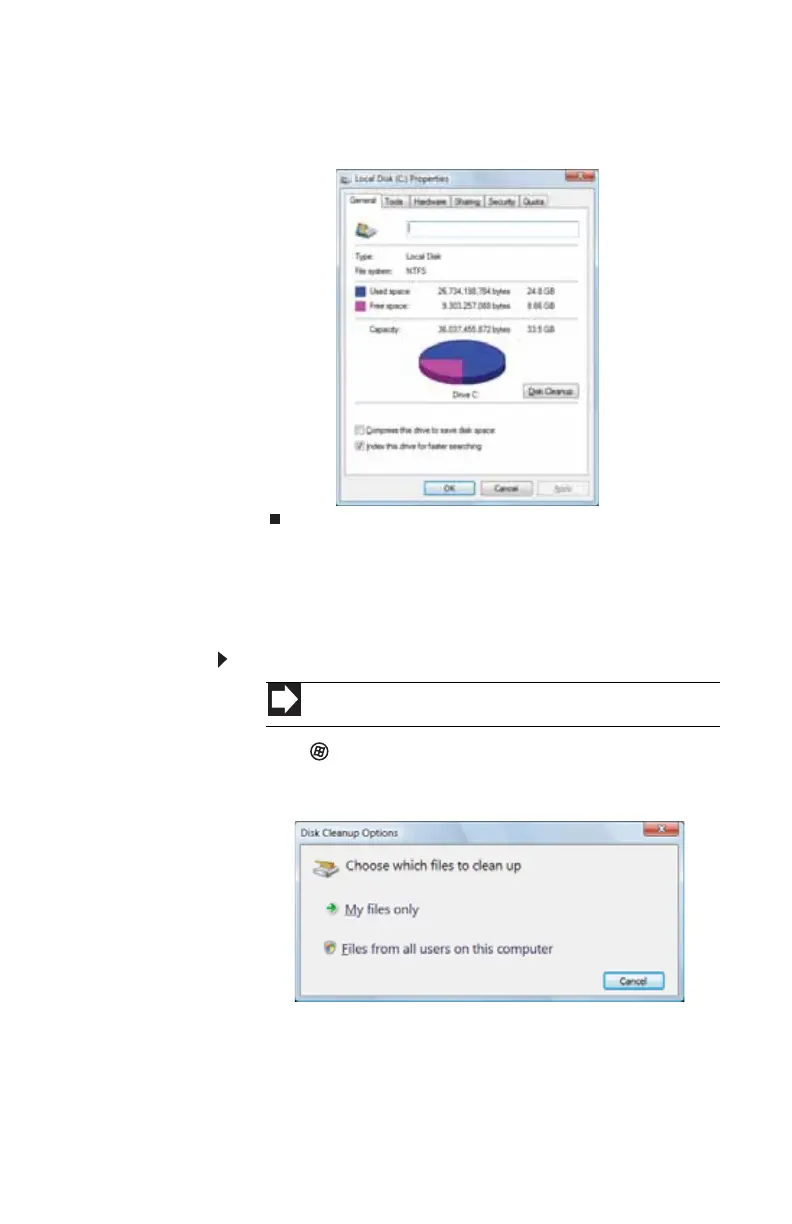
2 Right-click the drive that you want to check for available
file space, then click Properties. Drive space information
appears.
Deleting unnecessary files
Delete unnecessary files, such as temporary files and files in the
Recycle Bin, to free hard drive space.
To delete unnecessary files:
1 Click (Start), All Programs, Accessories, System
Tools, then click Disk Cleanup. The Disk Cleanup dialog
box opens.
Shortcut
Start ➧ Computer ➧ right-click drive ➧ Properties ➧ Disk Cleanup
8513057.book Page 59 Tuesday, May 6, 2008 9:35 AM



 To Next Page