CHAPTER 6: Troubleshooting
92
3 Click the software or driver you want to recover, then
click Next.
Recovering pre-installed software and drivers using
recovery discs
If you created a multiple-disc set of recovery discs, each disc
contains a unique set of software and drivers. If a recovery disc
does not offer the software or driver you need to recover, try
another disc.
To recover software and drivers using recovery discs:
1 Insert a software and driver recovery disc into a CD or
DVD drive. If an AutoPlay dialog box appears,
click Run Grc_Vista.exe. If an AutoPlay dialog box does
not appear and Gateway Recovery Center does not start,
open Computer and run the file Grc_Vista.exe on the
disc.
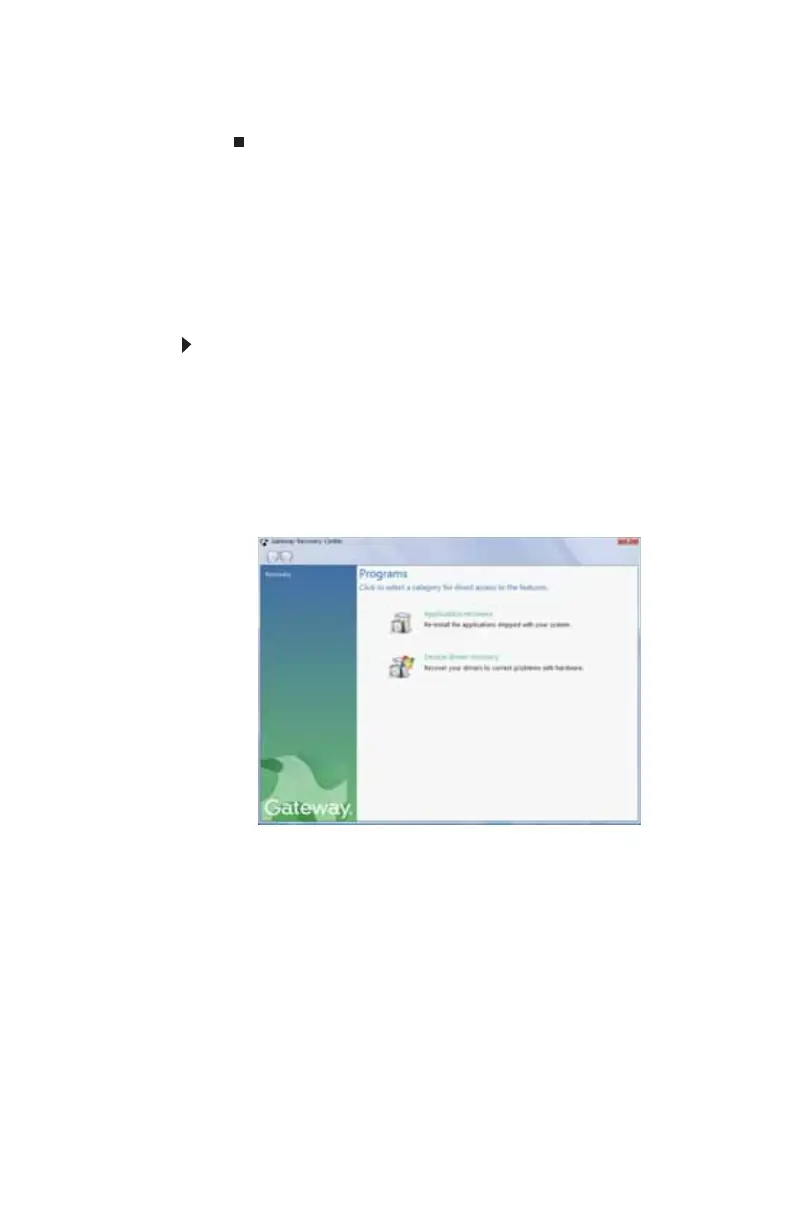
The Gateway Recovery Center starts.
8513057.book Page 92 Tuesday, May 6, 2008 9:35 AM



 To Next Page