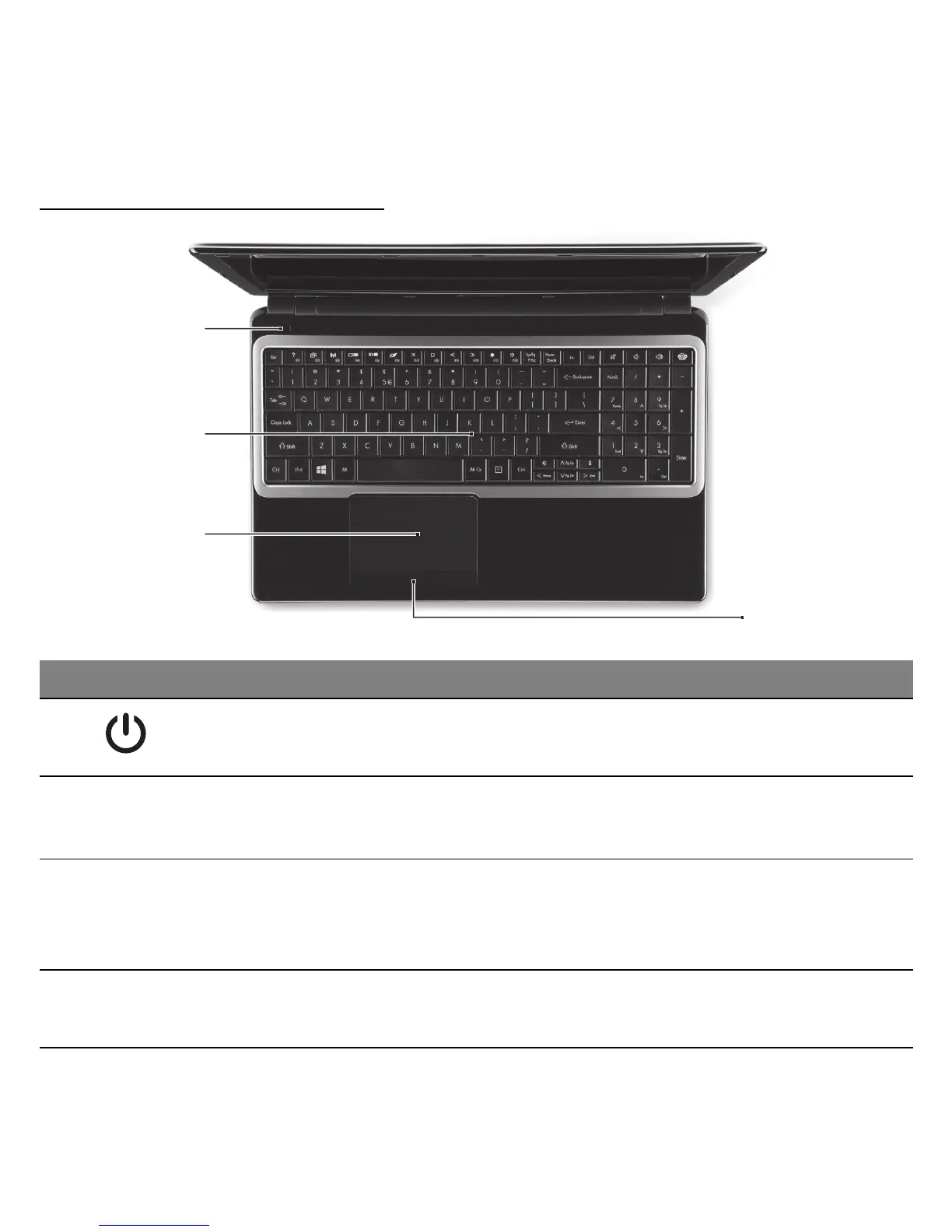
# Icon Item Description
1
Power button /
indicator
Turns the computer on and off. Indicates the
computer's power status.
2 Keyboard
For entering data into your computer.
- See "Using the keyboard" on page 24.
3 Touchpad
Touch-sensitive pointing device which
functions like a computer mouse.
- .See "Touchpad" on page 29.
4
Click buttons (left
and right)
The left and right side of the button function as
left and right selection buttons.



 To Next Page
 Loading...








