20 - Getting to know your computer
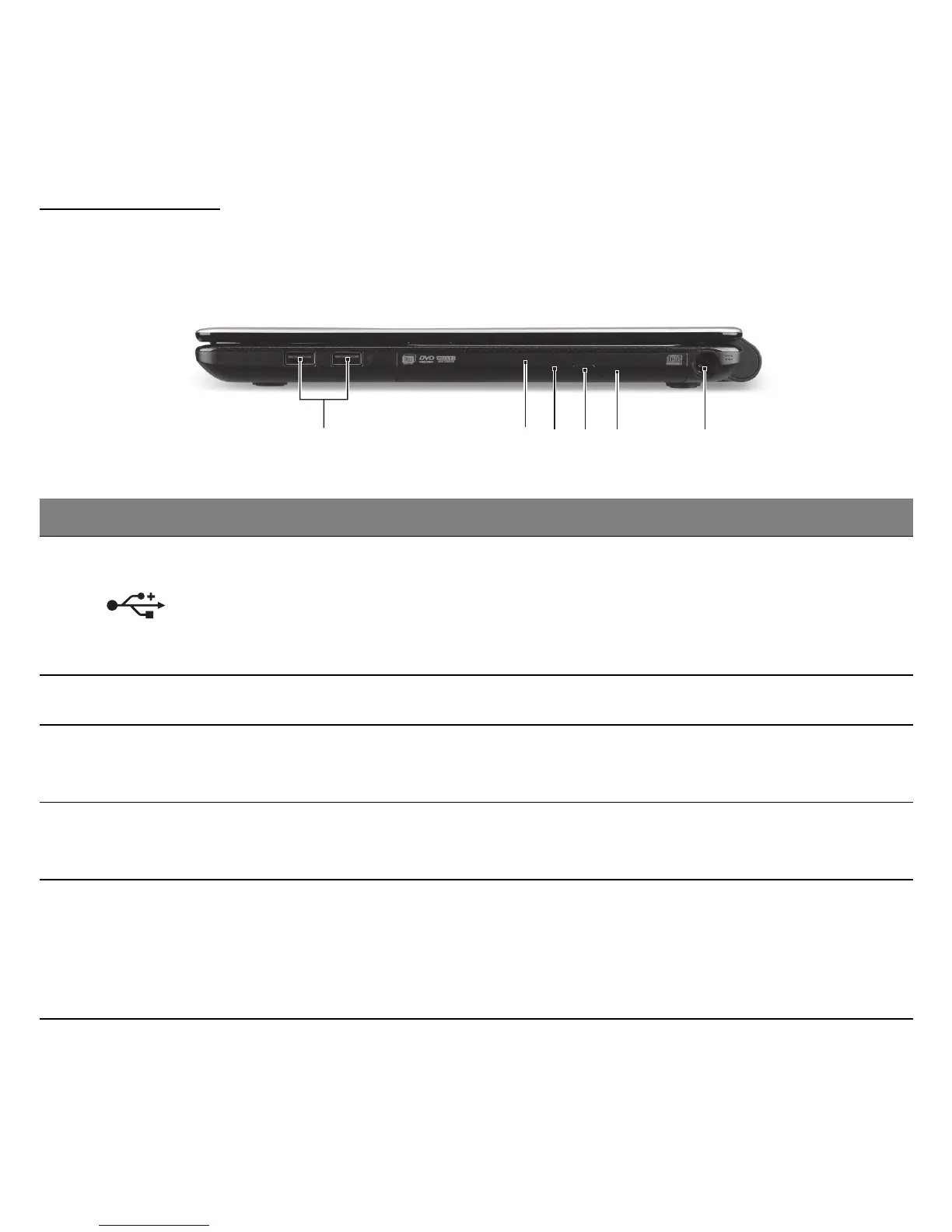
RIGHT VIEW
Note: Depending on configuration, your system may not be equipped
with an optical (CD/DVD) drive.
# Icon Item Description
1 USB ports
Connects to USB devices.
- If a port is black, it is USB 2.0 compatible, if
it is blue it is also USB 3.0 compatible (see
below).
2 Optical drive Internal optical drive; accepts CDs or DVDs.
3
Optical disk access
indicator
Lights up when the optical drive is active.
4
Optical drive eject
button
Ejects the optical disk from the drive.
5
Emergency eject
hole
Ejects the optical drive tray when the computer
is turned off.
- Carefully insert a straightened paper clip to
eject the optical drive tray.
1 65432



 To Next Page
 Loading...








