Recovery - 63
Note: Since the recovery backup requires at least 16 GB of storage
after formatting, it is recommended to use a USB drive with a capacity
of 32 GB or larger.
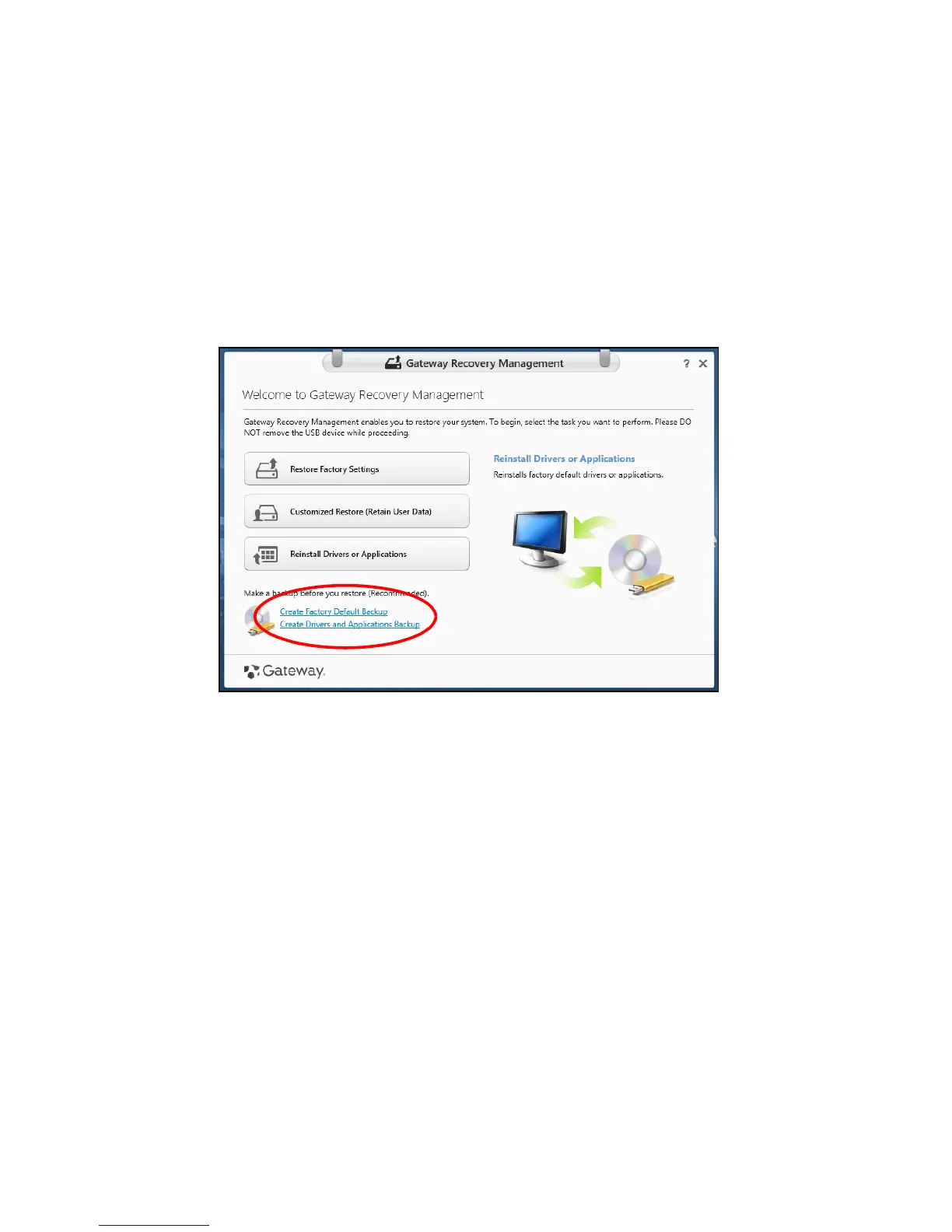
1. From Start, type 'Recovery' and then click Gateway Recovery
Management in the list of apps.
2. Click Create Factory Default Backup. The Recovery Drive window



 To Next Page
 Loading...








