Recovery - 67
a USB storage drive or, if your computer features a DVD recorder, one or
more blank recordable DVDs.
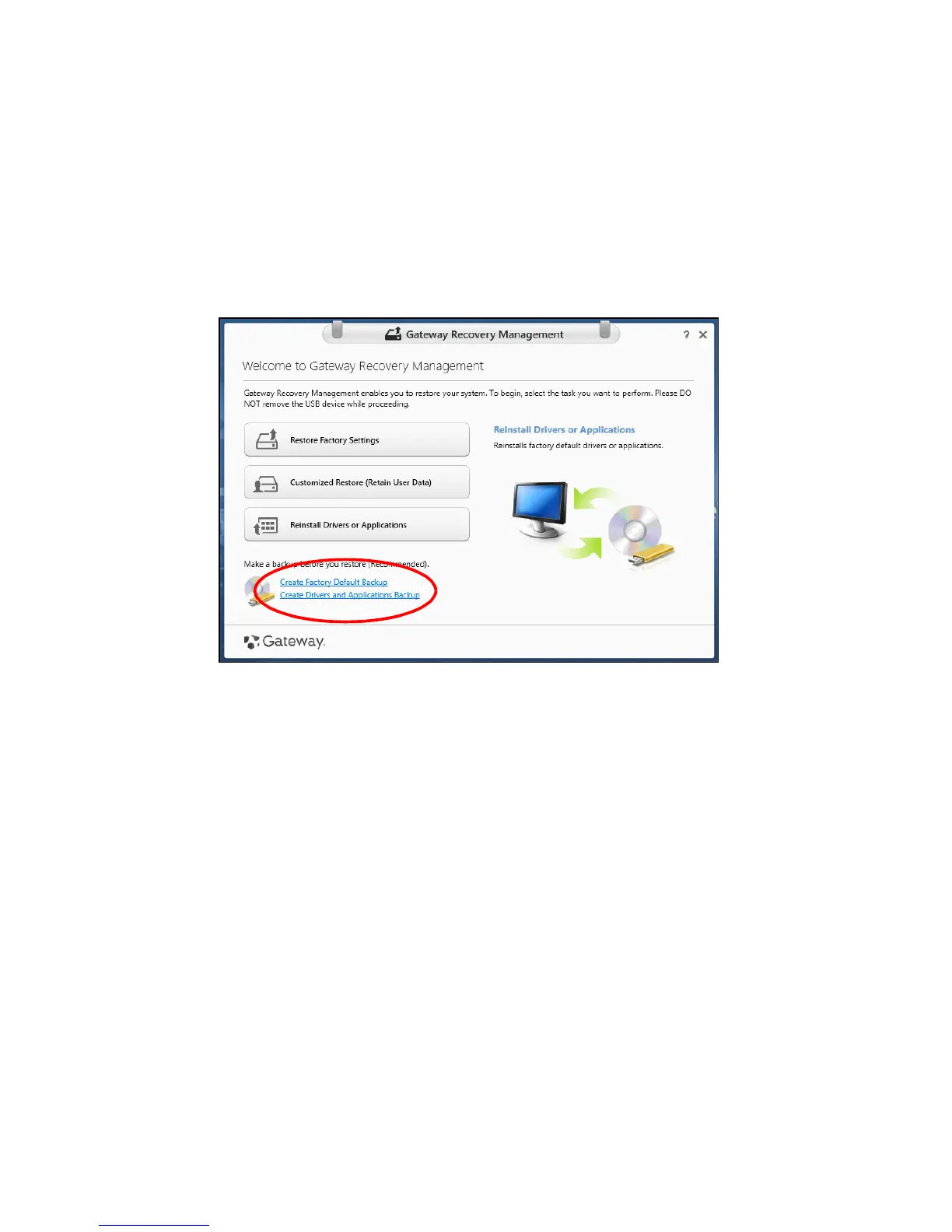
1. From Start, type 'Recovery' and then click Gateway Recovery
Management in the list of apps.
2. Click Create Drivers and Applications Backup.
Plug in the USB drive or insert a blank DVD into the optical drive, then
click Next.



 To Next Page
 Loading...








