www.gateway.com
49
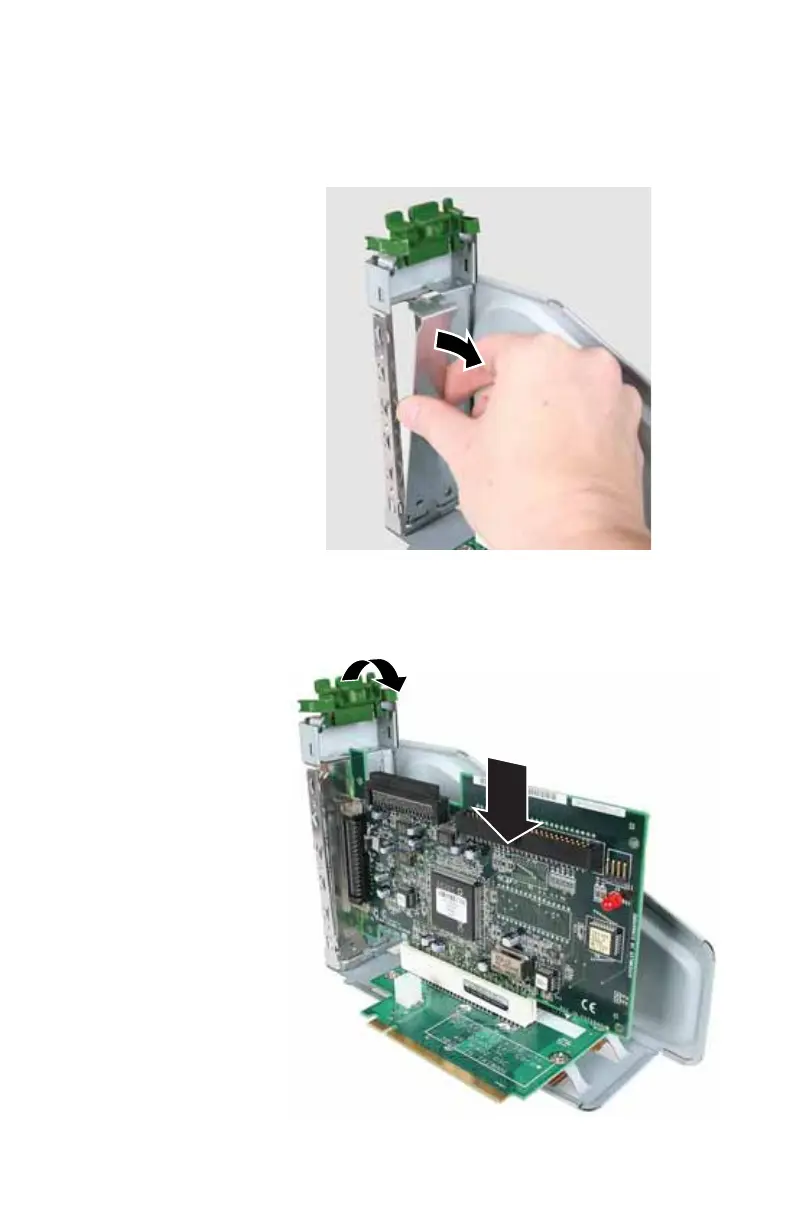
4 Remove the metal EMI shield next to the slot you are
adding a card to. The PCI card slot is the slot furthest
from the riser card handle, and the graphics card slot
is the slot closest to the handle.
5 Slide a PCI card into the PCI slot, or slide a graphics card
into the graphics card slot. You can slightly seesaw the
card end-to-end to help insert the card, but do not bend
the card sideways.
8512032.book Page 49 Tuesday, January 9, 2007 1:47 PM



 To Next Page