8
Setting up
Unpacking your tablet
Your new tablet comes packed in a protective box. Carefully unpack the box
and remove the contents. If any of the following items is missing or damaged,
contact your dealer immediately:
• Liberty Tab
• Quick Guide
• USB cable
• AC adapter
• Warranty card
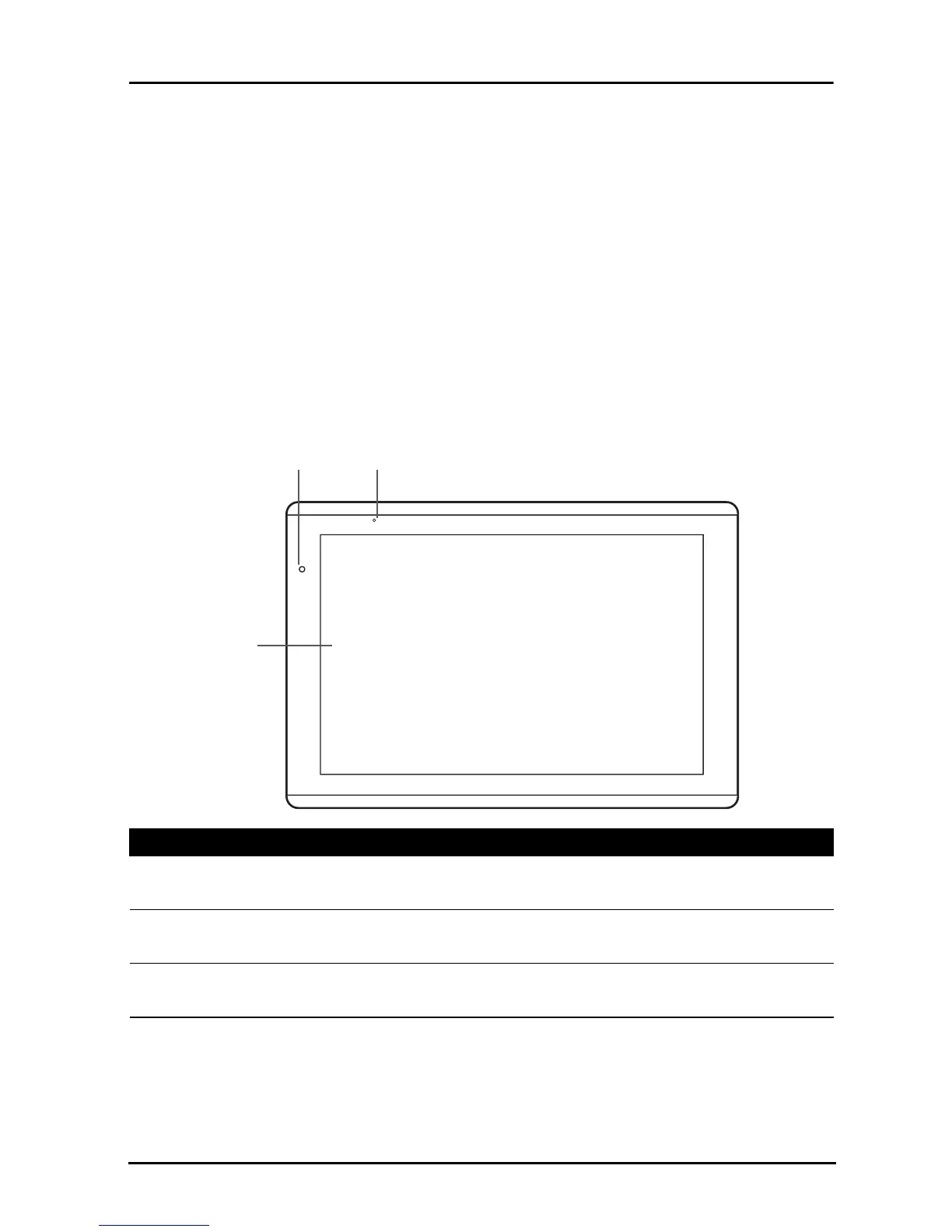
Getting to know your tablet
Front
1
2
3
view
No. Item Description
1 Touchscreen 10.1-inch, 1280 x 800 pixel capacitive
touchscreen.
2 Front-facing camera A 2-megapixel camera for video chatting and
self-portrait images.
3 Light sensor Detects ambient light and automatically adjusts
the screen brightness.



 To Next Page