9Getting to know your tablet
Back
12
3
3
view
Left
1 23
view
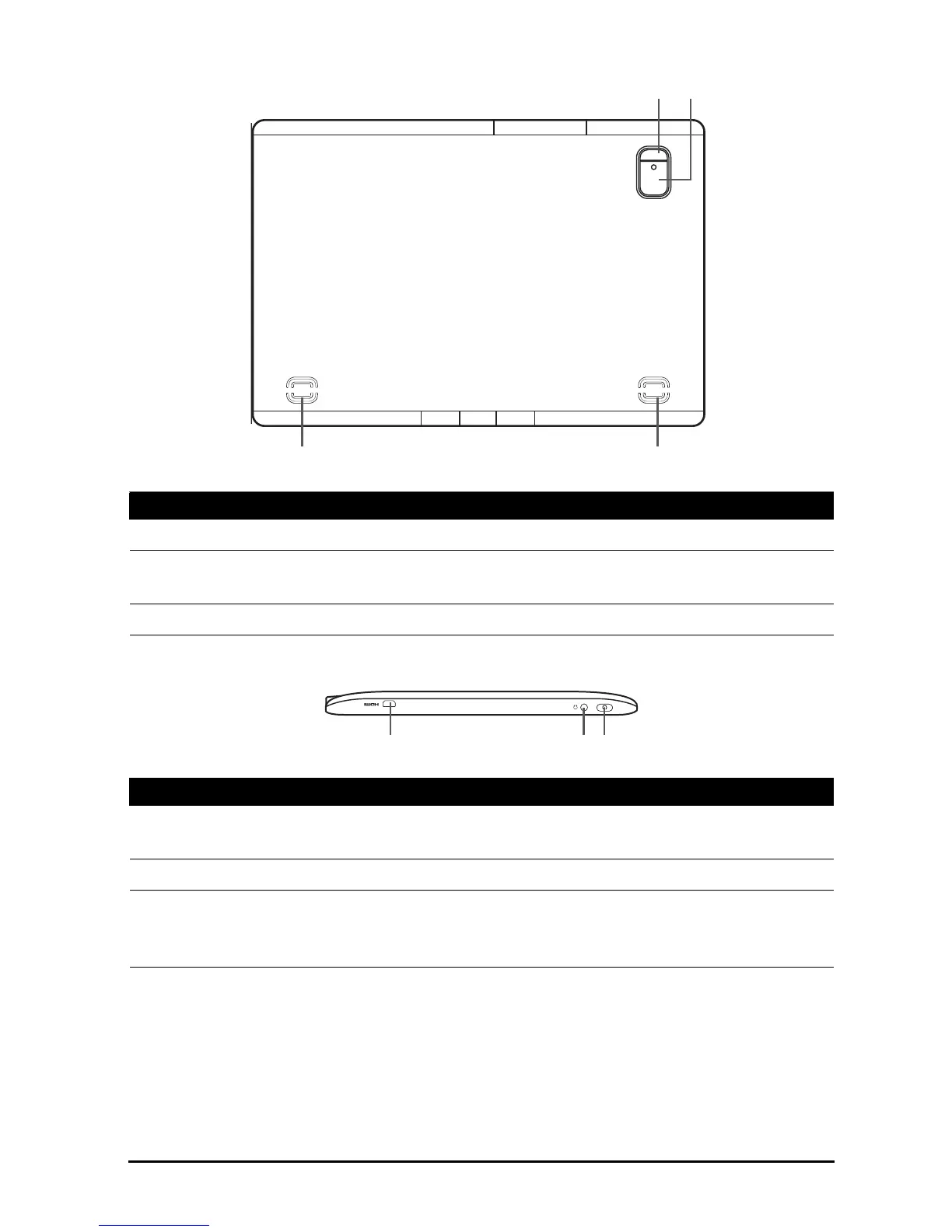
No. Item Description
1 LED flash Lights to illuminate images.
2 5 MP camera A 5-megapixel camera for taking high-
resolution images.
3 Speakers Emits stereo audio.
No. Item Description
1 HDMI Micro (Type D)
port
Connects to an HDMI cable with a Type D
connector.
2 3.5 mm headphone jack Connects to stereo headphones.
3 Power button Long press to turn the tablet on, press briefly to
turn the screen on/off or enter sleep mode;
press and hold to turn the tablet off.



 To Next Page