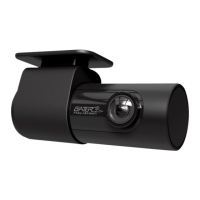
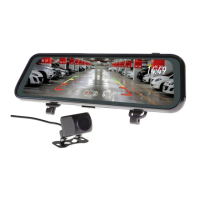
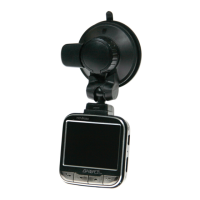
When in portrait mode a live image of the Dash Cameras
view will be displayed at the top of the phone screen. Use
this image to adjust the angle of the Camera so that the
lower part of the Cameras view can see the end of the
cars bonnet (about ¼ of its length).
1. To take a picture, press the white button in the lower
centre of your screen.
2. To access your Dash Cam videos, press the video
Camera icon in the lower left of your screen.
3. To access the Dash Cam’s settings, press the settings
gear icon in the lower right of your screen.
Time and date settings
To set the time and date, Click on the gear icon and scroll
down to where it says "Sync the mobile phone time to
device”. Click on this option and it will then set the Dash
Cam time to the same time as your mobile phone. A
confirmation message is also given.


 To Next Page