The FX SEND connector outputs the signal you picked up from the individual using the FX controls. You
can connect this to the input of an external effects device order to process the FX bus master signal. Once
an effects mix is created, the processed signal can then be routed from the effects devices outputs back into
a stereo input
FX SEND
7
2.3 Connector carry of the main section
The FX sends of the stereo channels function similar to those of the mono channels. However, since the FX send
buses are both mono, a mono sum is a first taken from the stereo input before it is sent to the FX bus.
The BAL(ANCE)
both signal are then routed to the main stereo mix bus. If a channel is operated in mono via the line input,
the control has the same function as the PAN control used in the mono channels.
control determines the levels of left and right input signals relative to each other before
FX
BAL
The LEVEL control determines the level of the channel signal in the main mix
LEVEL
A stereo EQ is highly preferable to two mono equalizers. when working on a stereo signal, as two
separate Eq”s will usually produce an unwanted discrepancy between the left and right channels.
Each stereo channel has two balanced line level input on connectors for left and right channels. If
only the connector marked “L”(left) is used, the channel operates in mono. Stereo channels are designed
to handle typical line level signals. Both inputs will also accept unbalanced connectors.
1/4”
LINE IN
MAIN OUT
L R L R
CTRL ROOM OUT
SEND FX
PHONES
L
R
CD/TAPE
IN OUT
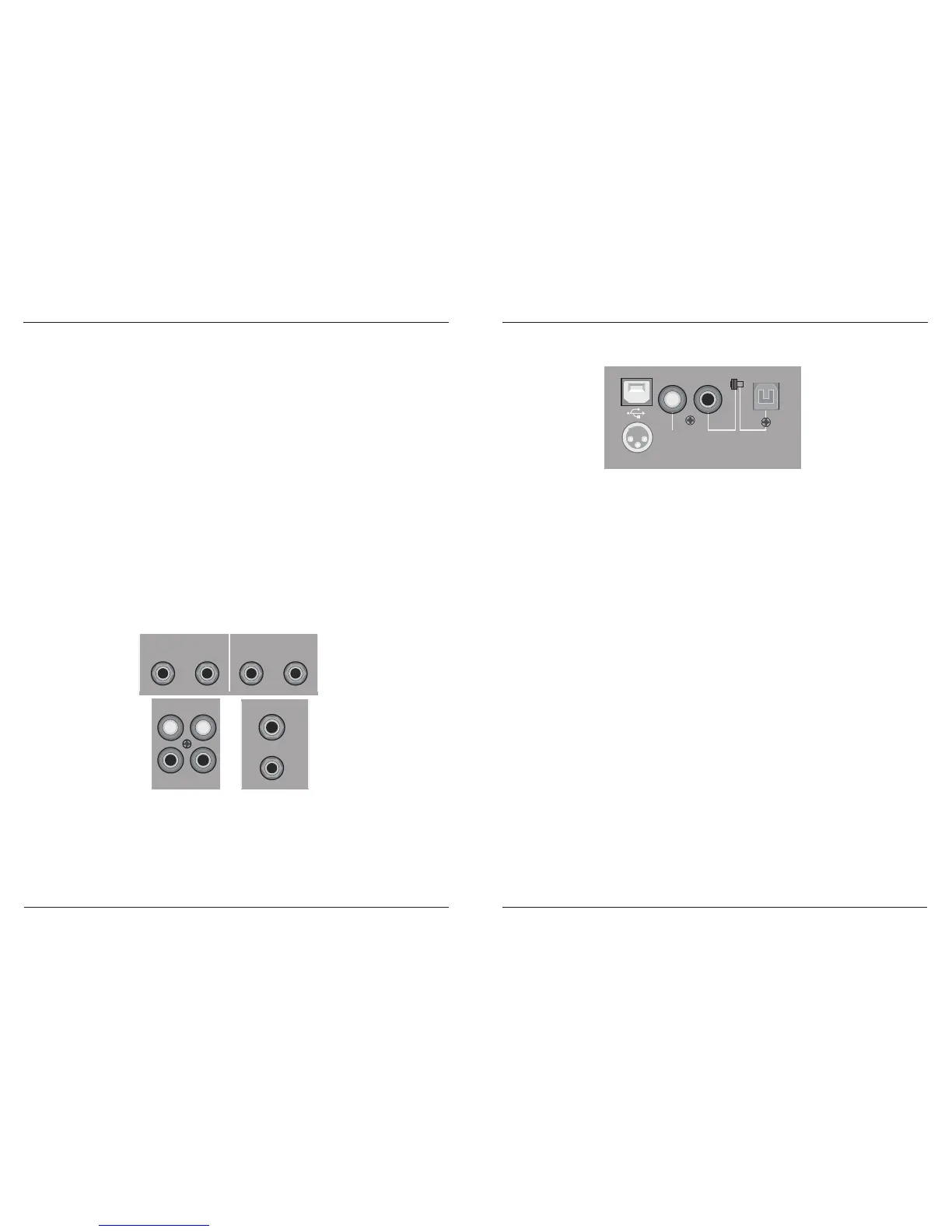
F ig. 2 . 3: C onnec tors o f the m a in s ec tion
12
2.6 Rear Panel Section
AC POWER IN
OPTICCOAXIALCOAXIAL
DIGITAL
INPUT
DIGITAL
OUTPUT
1
2
3
Connect to the assembled power adaptor
AC POWER IN
F ig. 2 . 6: R e a r P ane l S e ction( with U D )
USB record and playback will work if it is connected with computer
USB SOCKET
To output digital signal when it is recorded, and for digital decode equipment's use
COAXIAL DIGITAL OUTPUT
Connect with DVD or other digital coaxial signal output equipment, for digital signal's coaxial record
COAXIAL DIGITAL INPUT
Optical and coaxial signal record switch over on-off
PUT SWITCH
Connect with DVD or other optical signal output equipment, for digital signal's optical record
OPTICAL INTERFACE
MX-6-FX / MX-8-FX
MX-6-FXU / MX-8-FXU
MX-6-FX / MX-8-FX
MX-6-FXU / MX-8-FXU



 To Next Page