EasyManua.ls Logo

GBC GBC4250 - Page 21

GBC GBC4250
25 pages
Print Icon
To Next Page IconTo Next Page
To Previous Page IconTo Previous Page
Loading...
The
“Word
Finishing’’
People
21
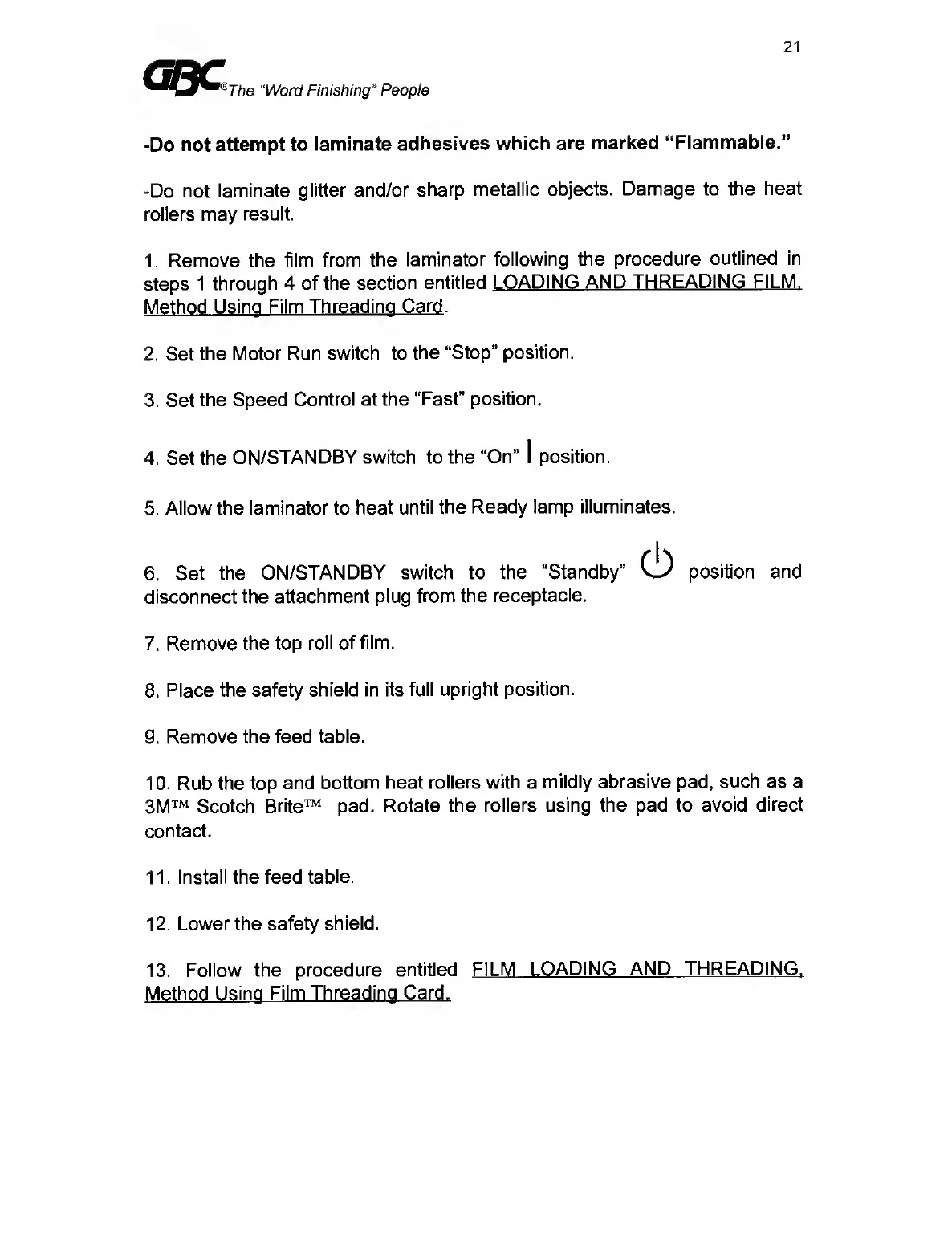
-Do
not
attempt
to
laminate
adhesives
which
are
marked
“Fiammable.”
-Do
not
laminate
glitter
and/or
sharp
metallic
objects.
Damage
to
the
heat
rollers
may
result.
1.
Remove
the
film
from
the
laminator
following
the
procedure
outlined
in
steps
1
through
4
of
the
section
entitled
LOADING
AND
THREADING
FILM.
Method
Using
Film
Threading
Card
.
2.
Set
the
Motor
Run
switch
to
the
“Stop”
position.
3.
Set
the
Speed
Control
at
the
“Fast”
position.
4.
Set
the
ON/STANDBY
switch
to
the
“On”
I
position.
5.
Allow
the
laminator
to
heat
until
the
Ready
lamp
illuminates.
6.
Set
the
ON/STANDBY
switch
to
the
“Standby”
(
1
)
position
and
disconnect
the
attachment
plug
from
the
receptacle.
7.
Remove
the
top
roll
of
film.
8.
Place
the
safety
shield
in
its
full
upright
position.
9.
Remove
the
feed
table.
10.
Rub
the
top
and
bottom
heat
rollers
with
a
mildly
abrasive
pad,
such
as
a
3M
Scotch
Brite
pad.
Rotate
the
rollers
using
the
pad
to
avoid
direct
contact.
11.
Install
the
feed
table.
12.
Lower
the
safety
shield.
13.
Follow
the
procedure
entitled
FILM
LOADING
AND
THREADING.
Method
Using
Film
Threading
Card.

Related product manuals