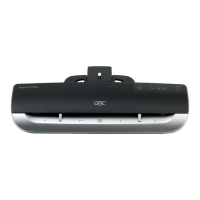
5. Feature Guide
Figure 1
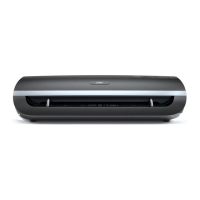
Figure 2
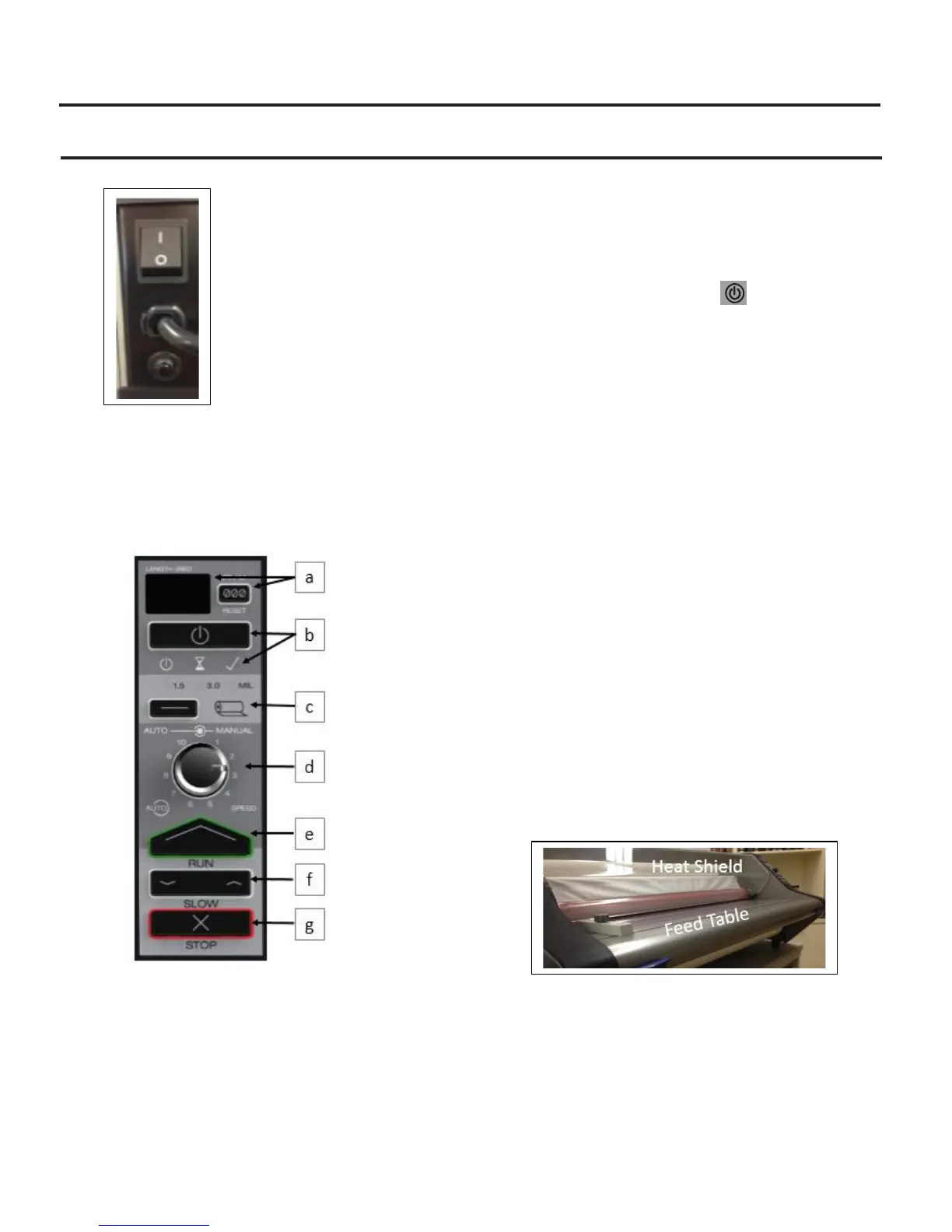
A. MAIN POWER SWITCH: Located at the back of the
machine, applies power to the laminator. The ‘ON’
position is indicated by the ‘I‘ symbol. The ‘OFF’
position marked ‘O’ symbol (figure 2).
Figure 3
B. CONTROL PANEL:
a. FOOTAGE COUNTER – Tracks the number of feet
used since last reset. To reset the footage counter
press the RESET button.
b. ON/OFF BUTTON –used to put the machine in
Standby mode or wake the machine up from
Standby mode.
i. READY – Machine is ready to use when
machine beeps and the Icon LED turns
GREEN.
ii. WARM-UP – Machine is warming up when
the Icon LED is AMBER.
iii. STANDBY – When icon is illuminated
AMBER, machine is in Standby mode.
Press the ON/OFF button to wake the
machine and warm-up to operational
temperature.
c. FILM SELECTION – (1.5 OR 3 MIL) – Press the
film selection button to toggle between 1.5 and
3 mil films
d. SPEED CONTROL – Controls the speed of the
laminator when the run button is pushed.
i. AUTOSPEED – Machines runs at optimum
speed for the film type selected. PUSH the
speed dial to turn this feature ON/OFF.
GREEN LED will illuminate when ON.
ii. MANUAL SETTINGS 1 THRU 10 – Operator
can manually select the speed 1 – 10. The
speed will increase as you adjust from 1 to
10. AUTOSPEED must be turned OFF to
manually adjust speeds.
e. RUN – Push the RUN button to run the
laminator in the forward direction.
f. SLOW FORWARD/REVERSE – Press and Hold to
run the machine slowly in Forward or Reverse.
Using SLOW Speed will allow the machine to
run even when Heat Shield is open.
g. STOP – Used to Stop the laminator. There are
two stop buttons one on front panel and one
on back of the machine.
Figure 4
C. HEAT SHIELD: (figure 4) Prevents inadvertent
contact with the heat rollers. The HEAT SHIELD
must be lowered for the RUN operation to work.
D. FEED TABLE: (figure 4) The Feed Table is used to
position items for lamination. Feed table must be
closed and latched for laminator to operate.



 To Next Page