Pg 9
Removing the Print. Strength vs Finesse
1. If the bed is acrylic, aer the print finishes you can immediately remove it.
If you are using a heated bed, turn it off and let it cool several minutes before removing or you risk
damaging the print surface or warping you rpart.
2. If the first layer printed correctly you should see no curling at the edges.
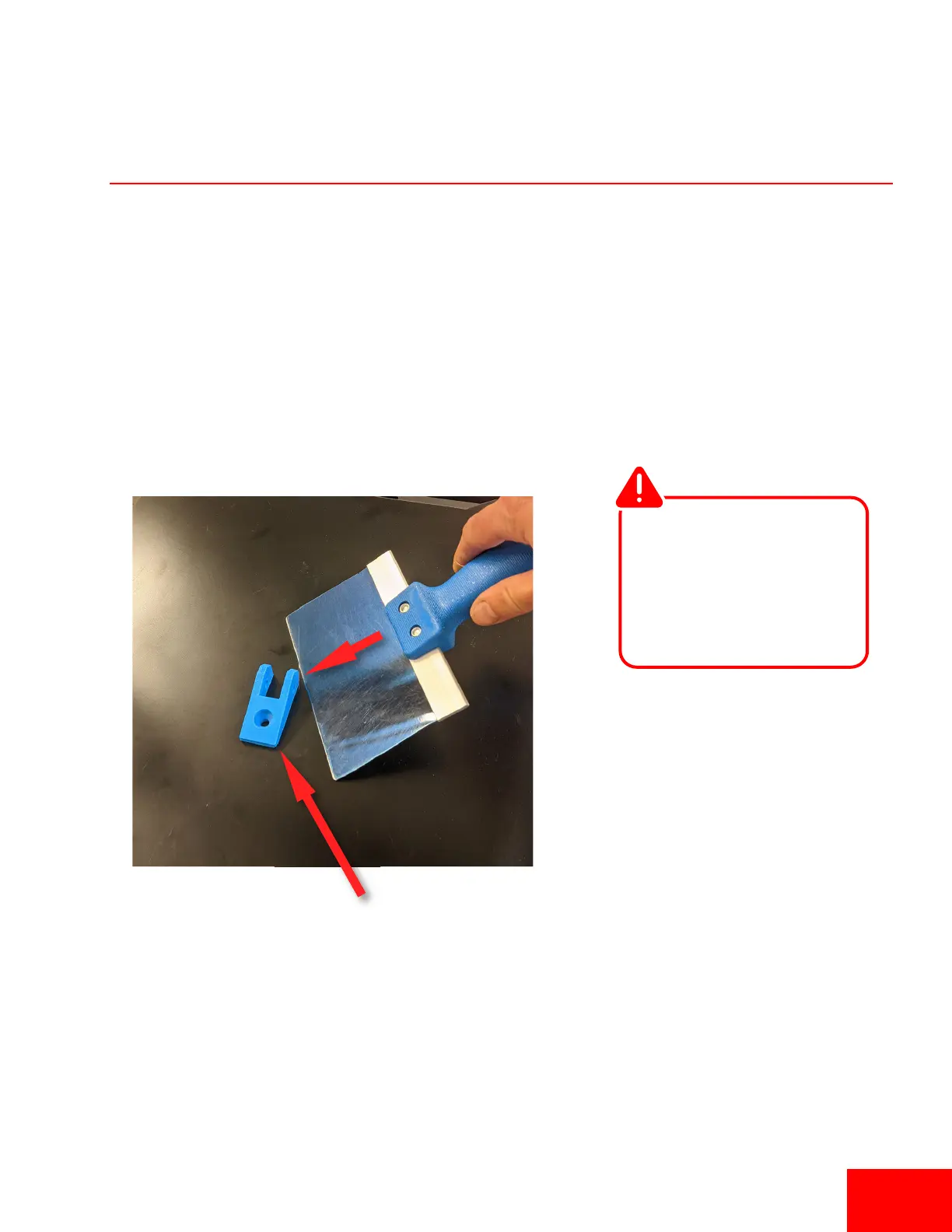
3. USING CAUTION, take the scraper and gently tap at the edges of the print. Look for corners of the
model and tap them. Aer several taps the print should pop off the bed. If the model has a large
surface area on the print bed, it may be harder to remove and you may have to slide the scraper
below the model.
Tap Edges or
Corners
The scraper is very sharp.
NEVER place your hand
behind the area you are
scraping and take caution
not to dig into any build
surfaces.
Warning


 To Next Page