8
Before You Begin
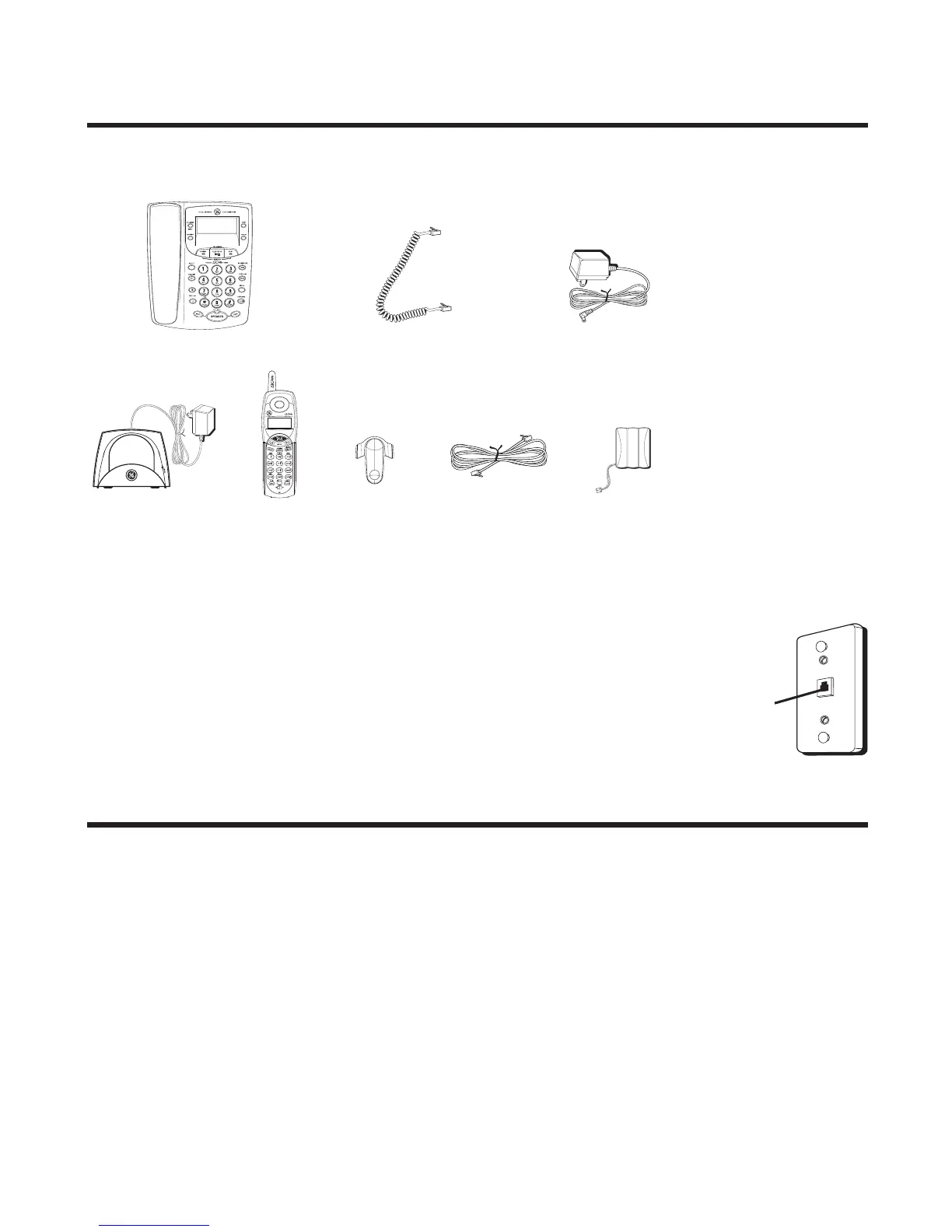
Parts Checklist
Make sure your package includes the items shown here.
Telephone Jack Requirements
To use this phone, you need an RJ11C type modular
telephone jack, which might look like the one pictured
here, installed in your home. If you don’t have a
modular jack, call your local phone company to find out
how to get one installed.
Important Installation Information
• Never install telephone wiring during a lightning storm.
• Never install telephone jacks in wet locations unless the jack is
specifically designed for wet locations.
• Never touch non-insulated telephone wires or terminals, unless the
telephone line has been disconnected at the network interface.
• Use caution when installing or modifying telephone lines.
• Temporarily disconnect any equipment connected to the phone such as
faxes, other phones, or modems.
Base and Base Handset
Cordless
handset
Belt clip
AC power adaptor
Telephone
line cord
Handset
battery
Modular
telephone
line jack
Wall plate
Coiled handset
cord
Cordless handset
charger



 To Next Page