18
MEMO
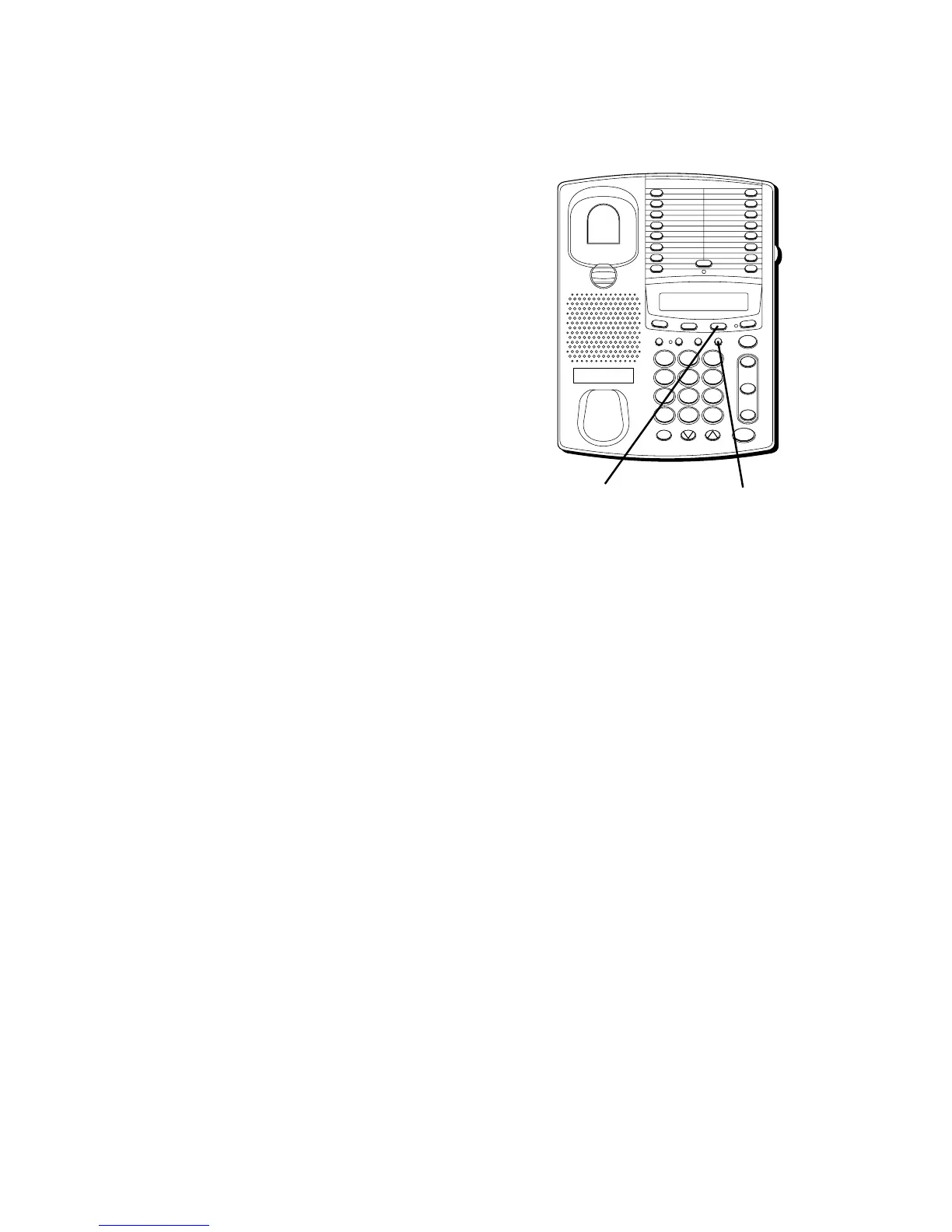
Use the Memo feature even while you are
talking on the phone to temporarily store a
phone number for later use. After the
number is temporarily stored, you can
view it, dial it, or place it in long-term
memory storage.
STORING A MEMO NUMBER
Press the MEMO button once to display its
contents; then you can:
• Dial a number and press MEMO to
replace the existing number.
• Press MEMO a second time to turn off the
Memo display.
DIALING A MEMO NUMBER
1. Get a dial tone.
2. Press MEMO.
3. Press REDIAL.
FLASH BUSY REDIAL PAUSE REDIAL
CONF
MEMOSET
T
I
M
E
R
STORE/IN
TWO LINE DATAPHONE
LOWER
1
2
3
4
5
6
7
8
9
10
11
12
13
14
15
16
MUTE
VOL
SPEAKER
WX
YZ
9
MNO
6
DEF
3
#
TUV
8
JKL
5
ABC
2
OPER
0
PQ
RS
7
GHI
4
1
TONE
*
line
2
line
1
HOLD
REDIAL buttonMEMO button



 To Next Page