21
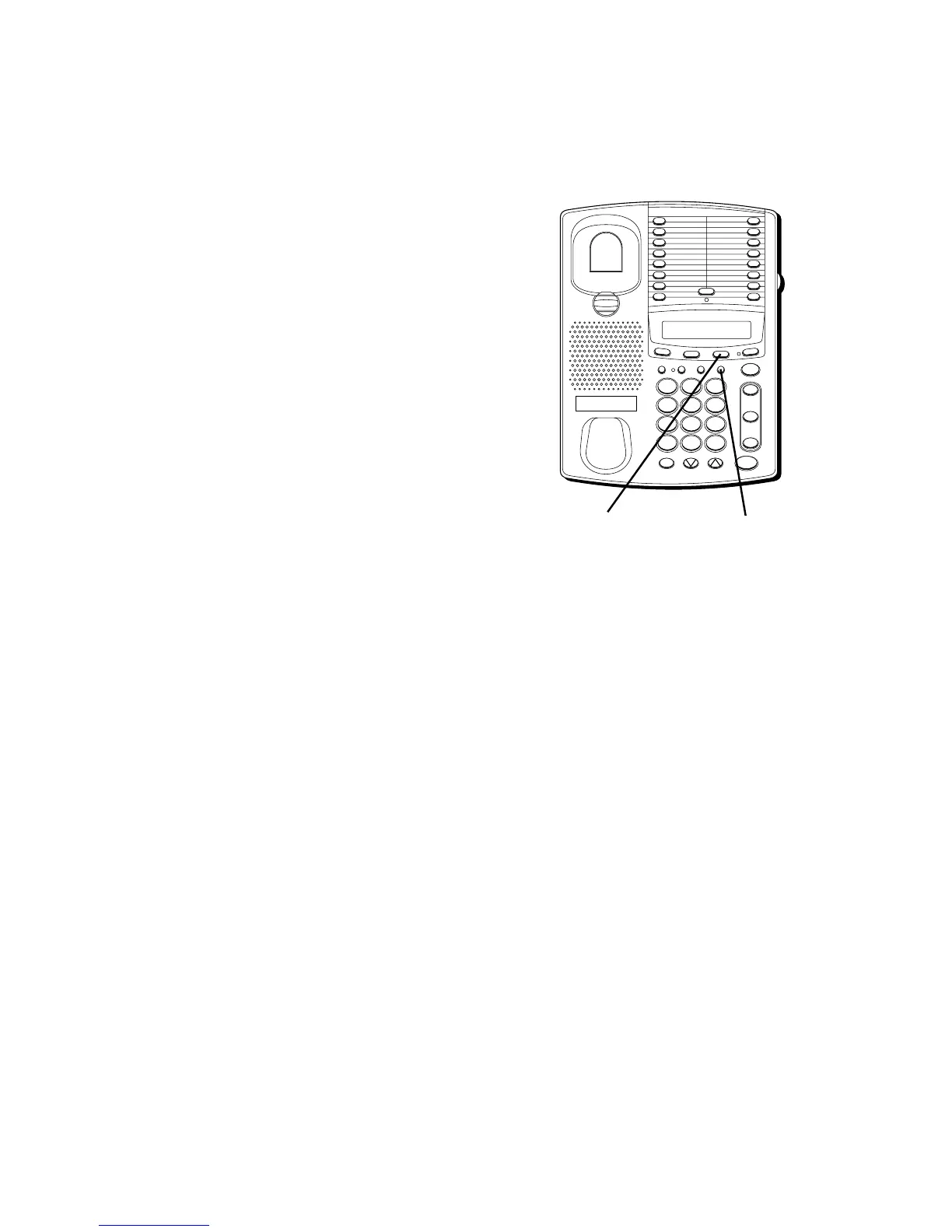
STORING THE LAST NUMBER
DIALED
Store the last number you dialed by
pressing REDIAL instead of entering a
number in step 2 of the procedure for
either upper or lower memory.
STORING A MEMO NUMBER
Permanently store the last number you
placed in memo storage by pressing
MEMO instead of entering a number in
step 2 of the procedure for either upper or
lower memory.
VIEWING A STORED NUMBER
You can view a number stored in memory
without acting upon it:
• On the hook — Press the memory
location button.
• Off the hook — Press the MEMO button;
then press the memory location.
CHANGING A STORED
NUMBER
To change a stored number, you replace it
with a different number using the
procedure for storing a number. Just make
sure that you update your memory
directory when you make changes.
FLASH BUSY REDIAL PAUSE REDIAL
CONF
MEMOSET
T
IM
E
R
S
TO
R
E/IN
TWO LINE DATAPHONE
LOWER
1
2
3
4
5
6
7
8
9
10
11
12
13
14
15
16
MUTE
VOL
SPEAKER
WX
YZ
9
MNO
6
DEF
3
#
TUV
8
JKL
5
ABC
2
OPER
0
PQ
RS
7
GHI
4
1
TONE
*
line
2
line
1
HOLD
REDIAL buttonMEMO button



 To Next Page