27
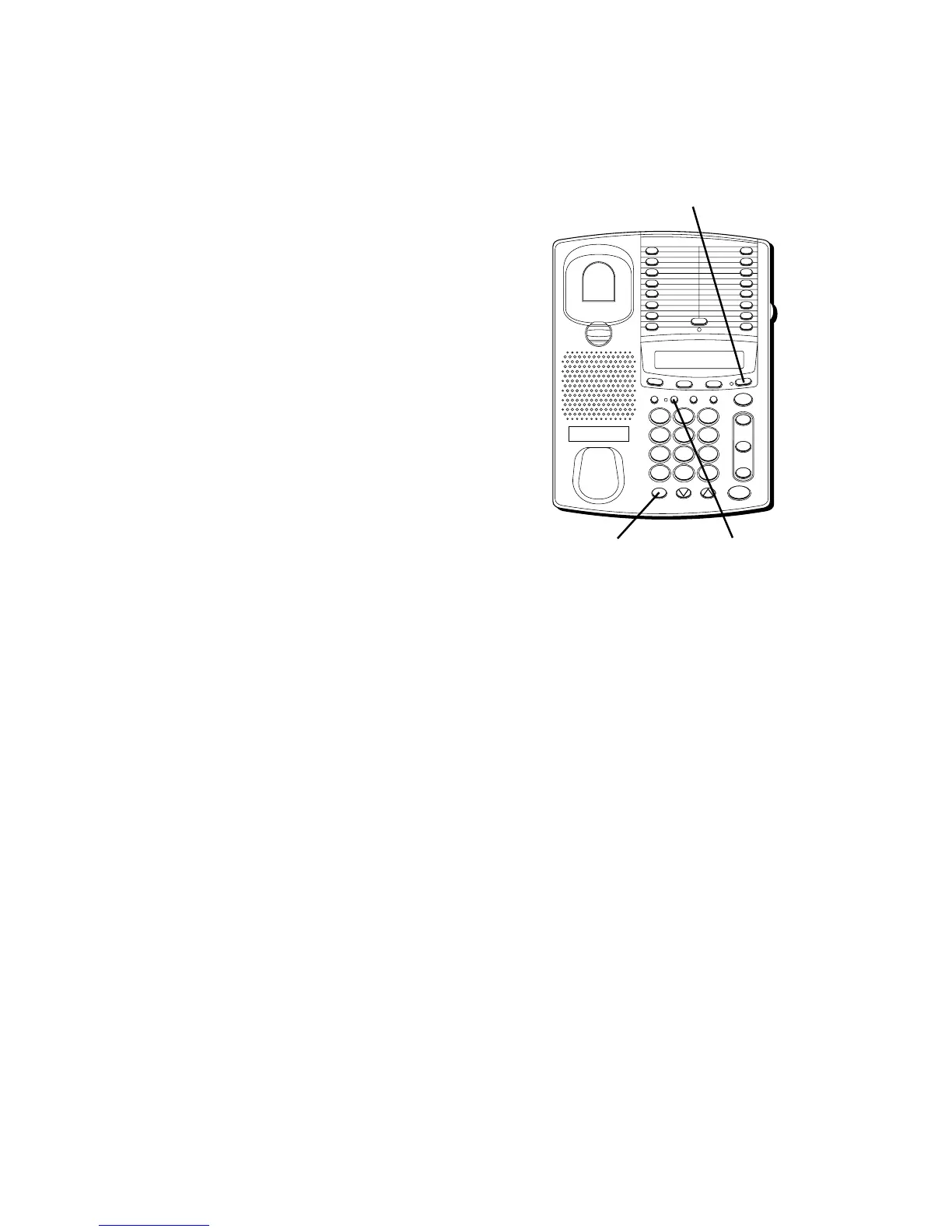
BUSY REDIAL DELAY
You can change the delay between redial
when using the Busy Redial feature from 0
to 90 seconds (in 10 second increments).
1. Press STORE/IN.
2. Press a number key to choose the
number of seconds (1-9 representing 10-
90 seconds).
3. Press STORE/IN and then press the BUSY
REDIAL button.
DO NOT DISTURB
Press the MUTE button while the phone is
on-hook to mute the ringer sound for both
lines. The ringer remains muted for a set
amount of time (that you can program) or
until you place or receive a call again.
To program the amount of time the ringer
is muted:
1. Press STORE/IN.
The status of the Do Not Disturb feature
is displayed: dnd oFF or dnd.
2. Press a number key to choose the
number of hours the ringer is
muted 1 for one hour, up to nine hours.
• Press 0 to disable Do Not Disturb
feature.
3. Press STORE/IN and then press the
MUTE button.
FLASH BUSY REDIAL PAUSE REDIAL
CONF
MEMOSET
T
I
M
E
R
S
T
O
R
E
/
IN
TWO LINE DATAPHONE
LOWER
1
2
3
4
5
6
7
8
9
10
11
12
13
14
15
16
MUTE
VOL
SPEAKER
WX
YZ
9
MNO
6
DEF
3
#
TUV
8
JKL
5
ABC
2
OPER
0
PQ
RS
7
GHI
4
1
TONE
*
line
2
line
1
HOLD
STORE/IN button
MUTE button BUSY REDIAL
button



 To Next Page