12
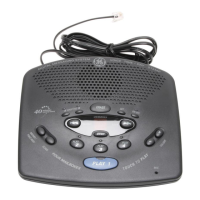
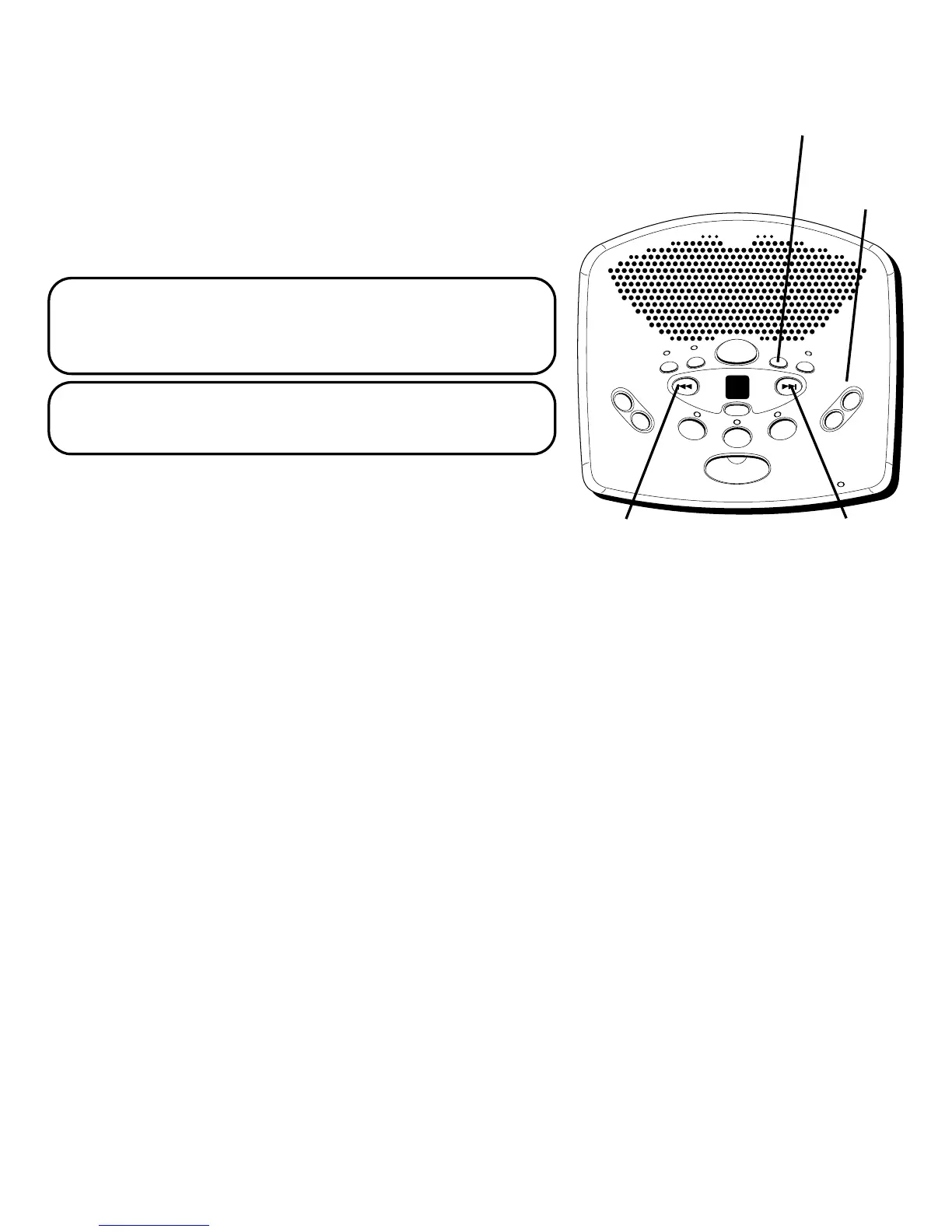
VOLUME
buttons
D
I
G
I
T
A
L
ME
S
S
A
G
I
N
G
S
Y
S
T
E
M
V
O
I
C
E
T
I
M
E
/
D
A
Y
S
T
A
M
P
M
E
M
O
/
S
C
A
N
F
O
U
R
M
A
I
L
B
O
X
E
S
T
O
U
C
H
T
O
P
L
A
Y
V
O
L
U
M
E
T
W
O
W
A
Y
A
G
R
E
E
T
I
N
G
B
E
R
A
S
E
S
E
T
O
N
O
F
F
MESSAGES
NEXTPREVIOUS
STOP
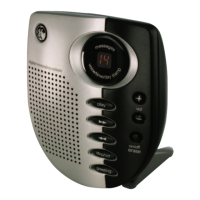
PLAY
2
PLAY
3
PLAY
4
PLAY
1
MIC
-
+
PREVIOUS
button
NEXT
button
4. Once you have the desired third digit, press SET to
save it and move on to the fourth digit.
5. Press and release NEXT or PREVIOUS to choose the
fourth digit. Only the fourth digit will change.
6. Once you have the desired fourth digit, press SET to
save it. The answerer repeats all the settings.
NOTE: To exit any menu, press and release STOP.
Also, setup will cancel if no buttons have been
pushed within 30 seconds.
IMPORTANT: The setup settings will not be
erased even after a power outage.
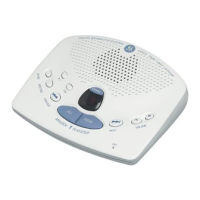
ADJUSTING THE VOLUME
Use the VOLUME + and - buttons to increase the
volume up and down. The unit beeps when it is not
announcing a setting or playing a message. It also
beeps 3 times when the maximum or minimum volume
is reached.
SET button


 To Next Page
 Loading...