19
3. Press and release the desired mailbox button. The
conversation starts recording after the tone.
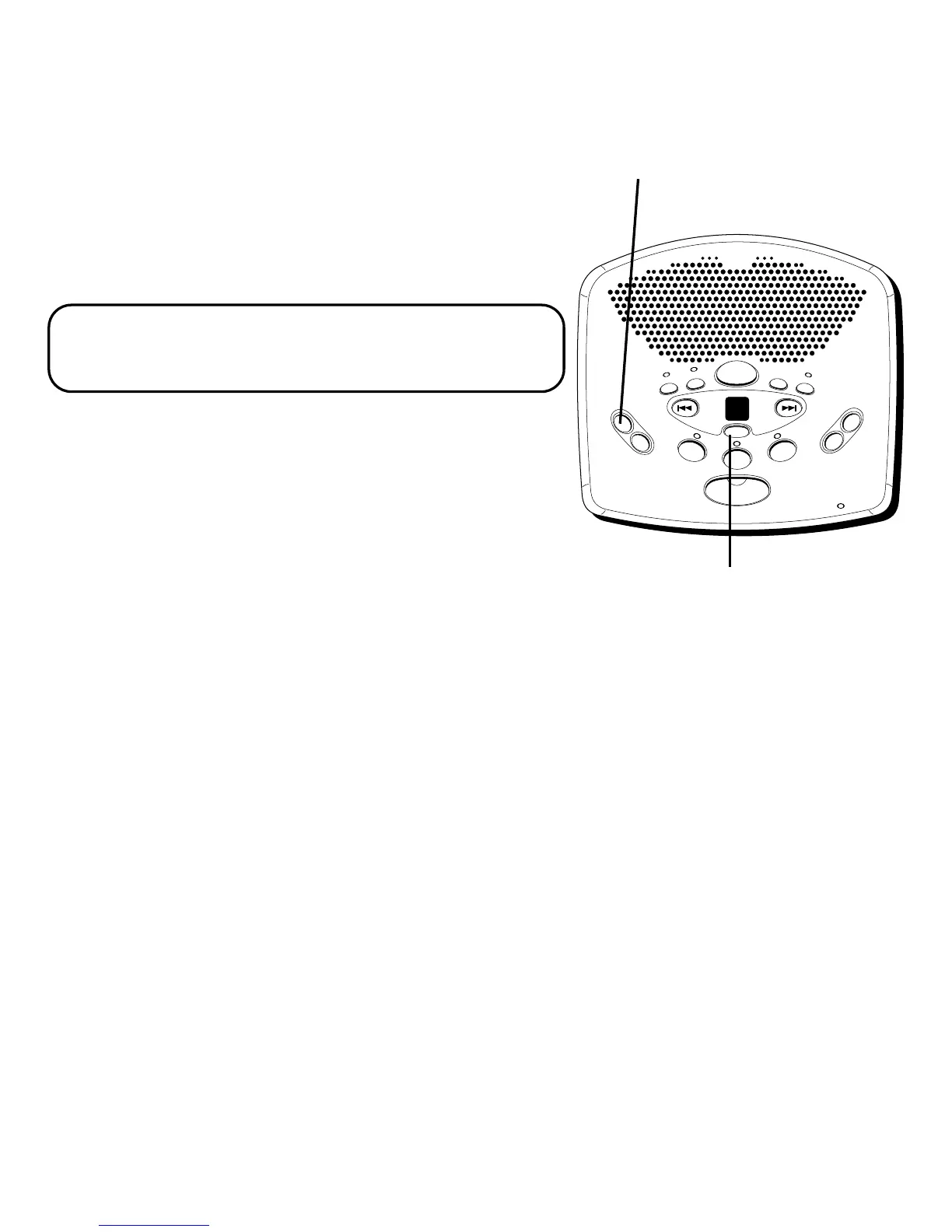
• To stop two-way record, press and release STOP or
MEMO/TWO WAY.
The unit treats the 2-way recorded conversation as a
message, as the MESSAGES counter and mailbox
indicator show.
NOTE: The length of time for recording a
conversation depends on how many messages are
currently stored by the answerer.
SCREENING CALLS
(AUTO DISCONNECT FEATURE)
You can screen incoming calls by listening as the caller
leaves a message. If you want to talk to that caller, pick
up any extension phone.
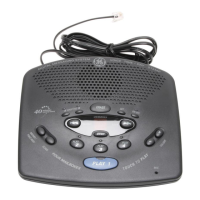
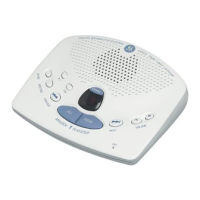
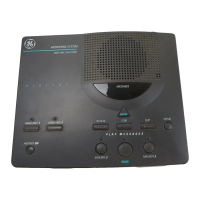
STOP button
D
I
G
I
T
A
L
ME
S
S
A
G
I
N
G
S
Y
S
T
E
M
V
O
I
C
E
T
I
M
E
/
D
A
Y
S
T
A
M
P
M
E
M
O
/
S
C
A
N
F
O
U
R
M
A
I
L
B
O
X
E
S
T
O
U
C
H
T
O
P
L
A
Y
V
O
L
U
M
E
T
W
O
W
A
Y
A
G
R
E
E
T
I
N
G
B
E
R
A
S
E
S
E
T
O
N
O
F
F
MESSAGES
NEXTPREVIOUS
STOP
PLAY
2
PLAY
3
PLAY
4
PLAY
1
MIC
-
+
MEMO/
TWO WAY
button


 To Next Page
 Loading...