NOTE: Any time you make a selection that is incompatible with the chosen dry cycle, the dryer will beep twice.
6
Model Type 450
Quick Start Guide
• Clean lint filter
• Add clothes
• Select dry cycle
• Select heat setting
• Close door
• Push START
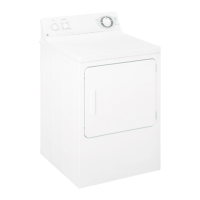
Your new dryer offers the convenience of starting your dryer loads by simply choosing a Clothes Care Selection and the Heat
Setting. Then all you have to do is press START.
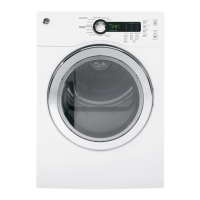
About the control panel.
Vision-Impaired Washer/Dryer Kit
For washer model WNRD2050 and dryer model DNCD450, a kit is available for the vision-impaired containing Braille overlays
that fit over the pads on the washer and dryer control panels.
Included in the kit are:
■ Braille overlays for the washer and dryer control panels
■ Braille Reference Keys that explain the operation of the washer and dryer
■ Use and Care Audio Tape
Order publication number 14-D242, available from your GE supplier.



 To Next Page