49-5000422 Rev. 0 5
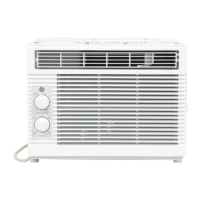
Controls
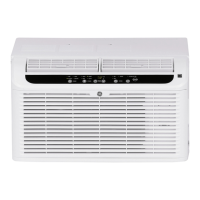
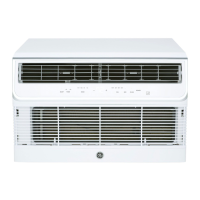
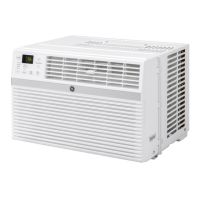
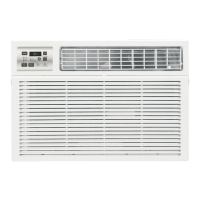
Features and appearance will vary.
USING THE AIR CONDITIONER
Controls
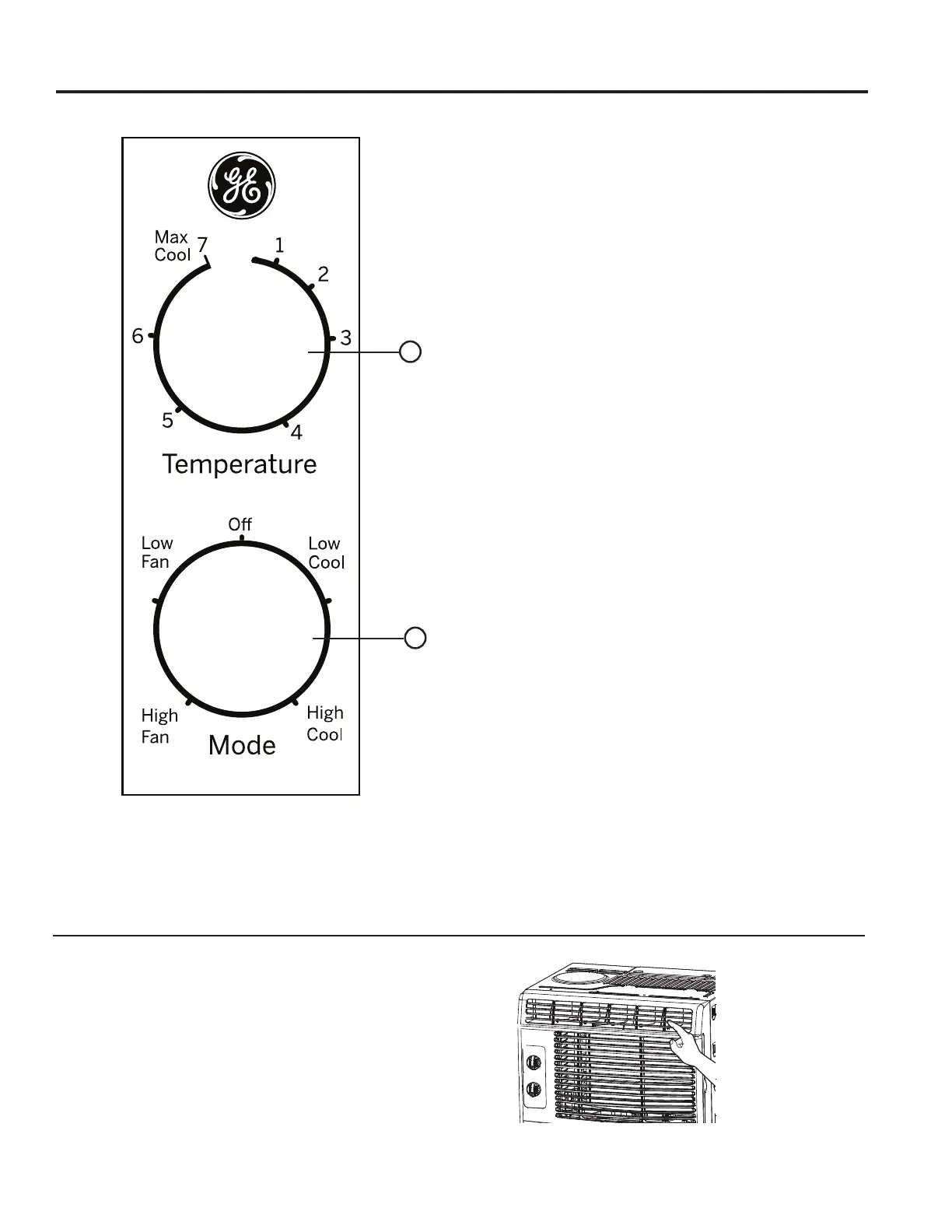
1. Temperature Control
This determines how much cooling is provided.
Max Cool - 7 provides the most cooling and
Min Cool - 1 provides the least.
Cooling Descriptions
For Normal Cooling—Select 3-6 on the dial with
HCool r LCool selected.
For Maximum Cooling—Select 7 on the dial with
HCool selected.
For Quieter and Nighttime Cooling—Select 1-3 on
the dial with LCool selected.
2. Mode Control
High Cool and Low Cool provide cooling with
different fan speeds.
High Fan and Low Fan provide circulation and
filtering without cooling.
NOTE: If you move the Temperature control from
a cool setting to a fan setting or power off the
unit while cooling, wait at least 3 minutes before
switching back to a cool setting.
Air Direction
8VHWKHOHYHUWRDGMXVWWKHDLUGLUHFWLRQOHIWDQGULJKW
only.
Do Not Operate in Freezing Outdoor Conditions
This cool-only air conditioner was not designed for freezing outdoor conditions. It must not be used in freezing
outdoor conditions.
1
2


 To Next Page