24
Playback Features
The playback features described below are used when you connect your camcorder to a
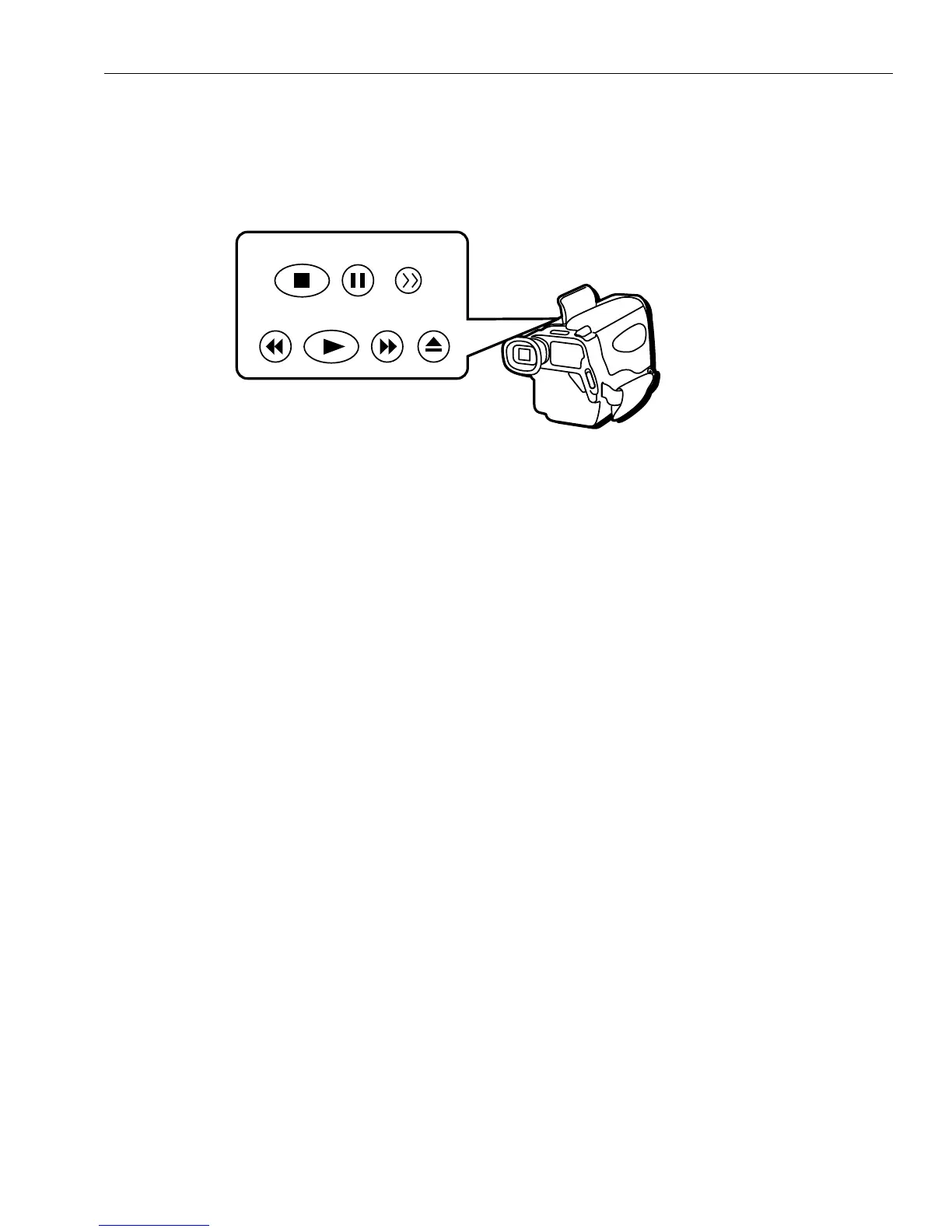
TV with or without AUDIO/VIDEO jacks as described on pages 22 and 23. The buttons
are located under the control panel on top of the camcorder.
Picture Search
During playback, you can search through
the tape quickly by using the F.FWD (fast
forward) or REW (rewind) button.
• Press and hold F.FWD or REW if you
want to search the tape visually in
forward or reverse. Release the button
to return to normal playback.
Fast Forward or Rewind
While in the stop position, press and
quickly release REW (rewind) or F.FWD
(fast forward) button to rewind or fast-
forward the tape.
REW PLAY F.FWD EJECT
STOP PAUSE BLANK
Stop-Action Pause
Press PAUSE during play to stop the tape
and view the details of a scene. Press
PAUSE or PLAY to return to normal
playback.
Tip: Pause is designed for momentary interruptions
and should not be used for an extended period of
time. If the camcorder remains in pause for more
than three minutes, it will turn off to prevent
excessive tape wear.



 To Next Page