DuraStation™ EV Charger User Manual
18
GE Industrial Solutions ©2014 GE Company All Rights Reserved
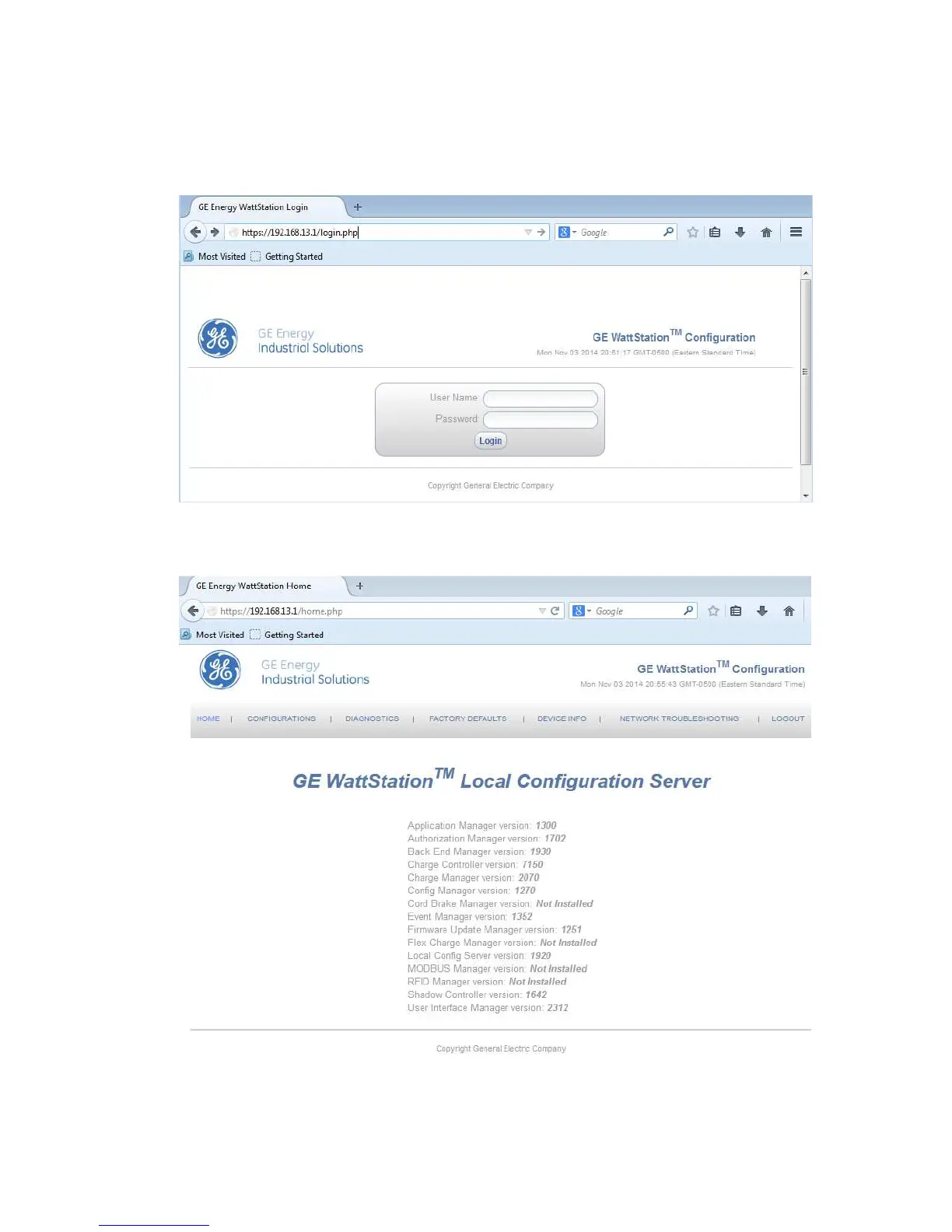
On the Login screen enter the User Name and Password provided on the Provisioning or
Commissioning card that was provided with your DuraStation. You may wish to write these into
the boxes below in case your card ever gets lost or separated from this instruction manual.
Login screen in Configuration tool
Figure – 4.11
After logging in, you will be taken to the Home screen which appears as follows:
Home screen in Configuration tool
Figure – 4.12



 To Next Page