DuraStation™ EV Charger User Manual
20
GE Industrial Solutions ©2014 GE Company All Rights Reserved
4.2.4 Common Settings tab
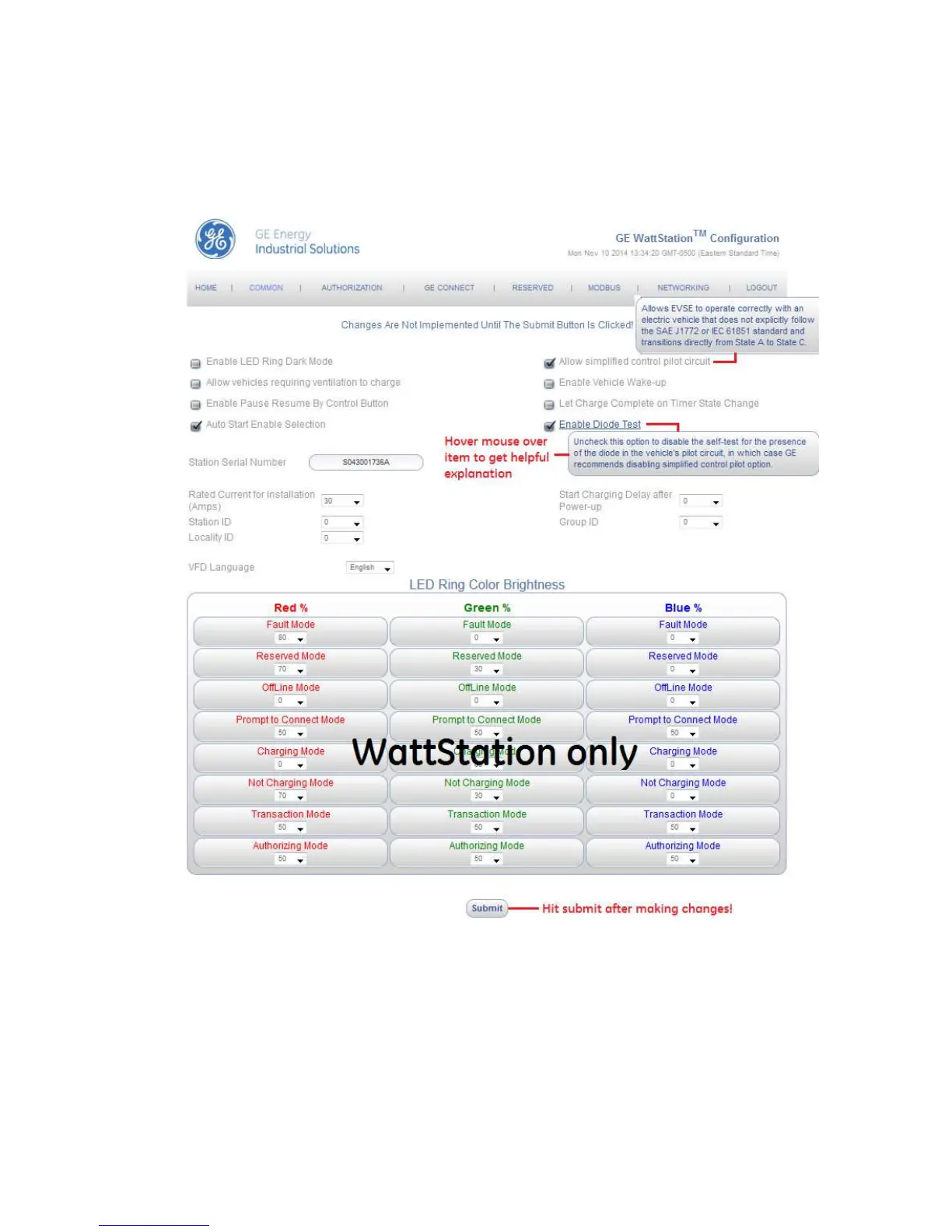
The configuration tool provides built-in help text which is accessed simply by hovering your
mouse over the feature. For example, help for “Enable LED Ring Dark Mode” is shown below.
Common screen under Configurations tab
Figure – 4.13
Note: The Allow Simplified Control Pilot and Enable Diode Test settings affect the requirements
of contactor turning on, therefore GE recommends either checking neither or checking both.
Features are subject to change as new firmware is released so picture is shown as example.
Note that some features are specific to certain models, e.g. LED ring color brightness settings are
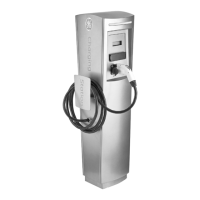
applicable to the WattStation pedestal station only.



 To Next Page