10
About cycle options. NOTE: Not all features are available on all dryer models.
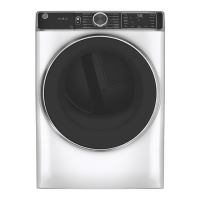
My Cycle (on some models)
To save a favorite cycle, set the desired settings
and hold down the My Cycle button for 3
seconds. A beep will sound to indicate the cycle
has been saved.
To use your custom cycle, press the My Cycle
button before drying a load.
To change the saved cycle, set the desired
settings and hold down the My Cycle button for
3 seconds.
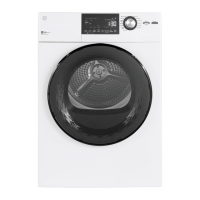
Estimated Time Remaining
Displays the approximate time remaining until
the end of the cycle.
As the cycle begins, you will see an initial
approximate total cycle time in the display.
Then lights will “race” in the display. This means
the dryer is continuously monitoring
the amount of moisture in the load.
The lights will continue until the dryer senses a
low level of moisture in the load. At that point,
the dryer will calculate and display
the approximate time remaining.
About dryer features.
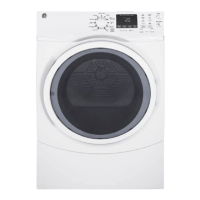
Drum Lamp
The drum lamp comes on automatically when the door is opened.
Before replacing the light bulb, be sure to unplug the dryer power cord or
disconnect the dryer at the household distribution panel by removing the fuse or
switching off the circuit breaker. Reach above dryer
opening from inside the drum.
Remove the
bulb and replace with the same size bulb.
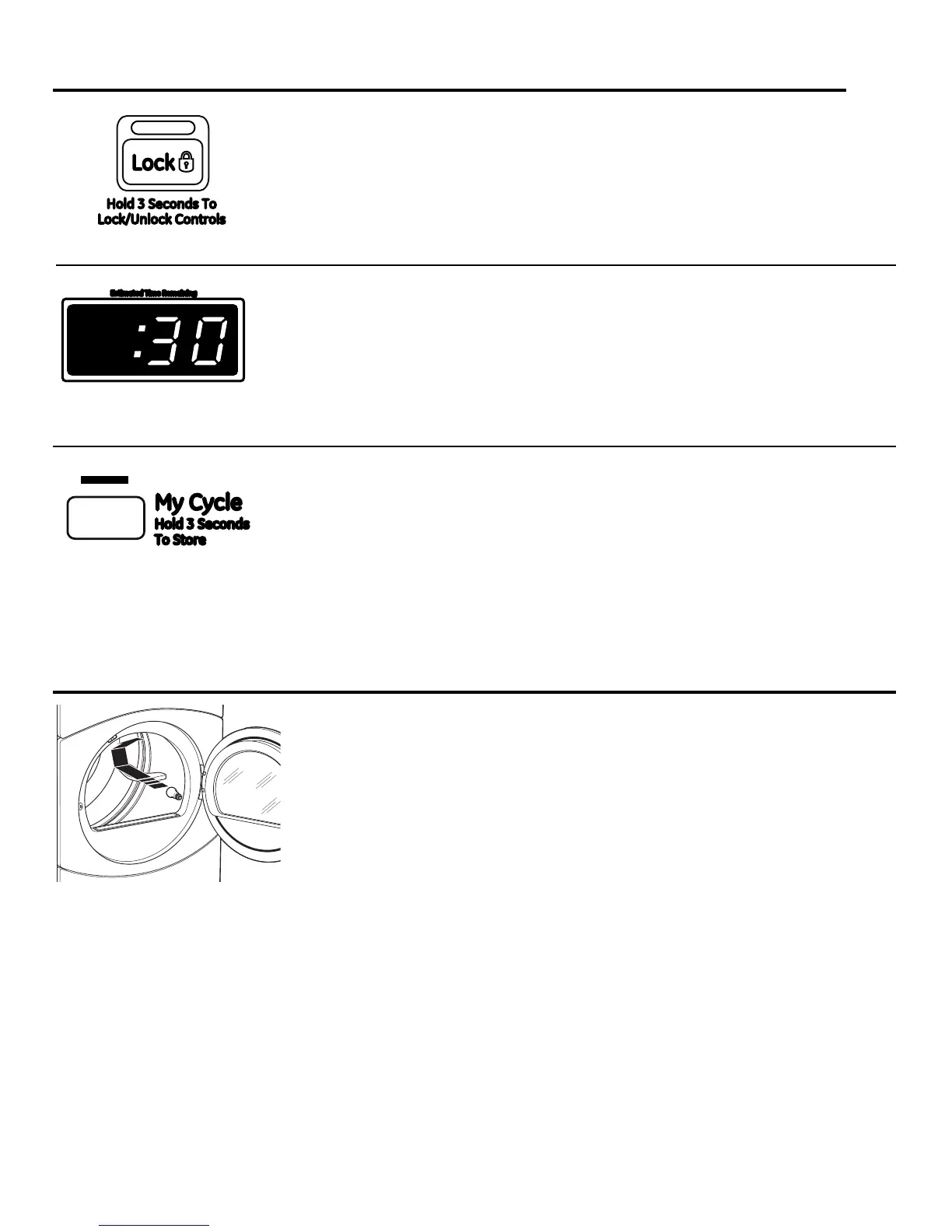
Lock
You can lock the controls to prevent any
selections from being made. You can also lock
the controls after you have started a cycle.
Children cannot accidentally start the dryer
by touching pads with this option selected.
To lock the dryer, press and hold the lock icon
for 3 seconds. To unlock the dryer, press and
hold the lock icon for 3 seconds.
The Lock icon next to the timer will light up
when the controls are locked.



 To Next Page