.
-.
.
—— --
.
,
-i
q
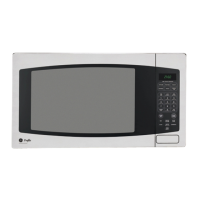
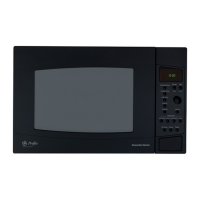
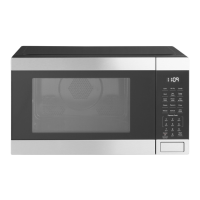
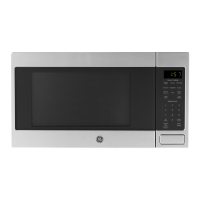
The Touch Control Panel allows you to set the oven
your automatic cookipg control pads for quick and
controls electronically with the touch of a finger, It’s
easy convenience cooking. Or you may make your
designed to be easy to use and understand. With
own programs to suit your individualized cookinq
your microwave oven, you have the option of using
style,
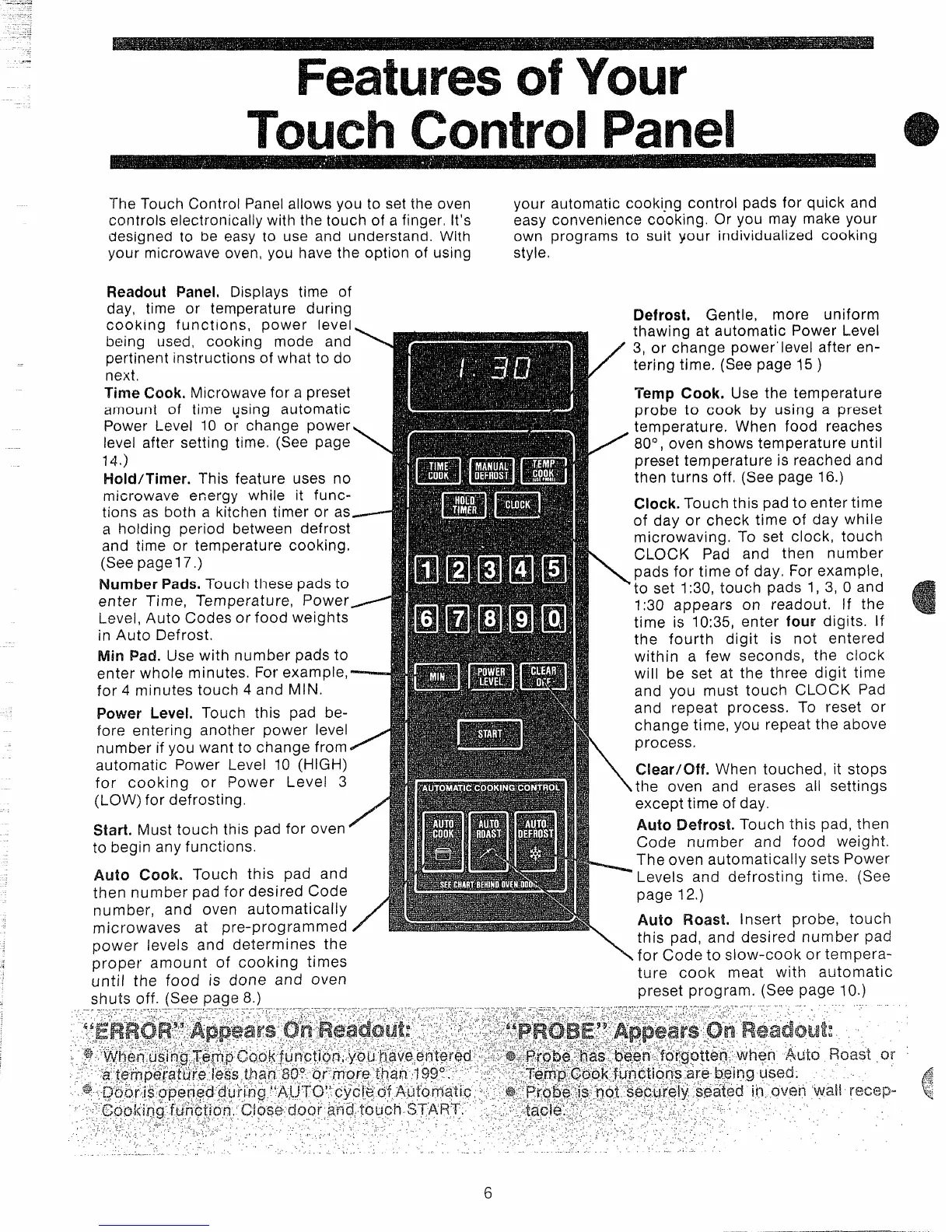
Readout Panel. Displays time of
day, time or temperature during
cooking functions, power level
being used, cooking mode and \ ‘
-—
pertinent instructions of what to do
next,
Time Cook. Microwave for a preset
amount of time qsing automatic
Power Level 10 or change power
level after setting time (See page
14)
Holct/Timer. This feature uses no
microwave energy while it func-
tions as both a kitchen timer or as_---
a holding period between defrost
and time or temperature cooking,
(See pagel 7.)
Number Pads. Touch these pads to
enter Time, Temperature, Power=
Level, Auto Codes or food weights
in Auto Defrost.
Min Pad. Use with number pads to
enter whole minutes. For example,
for 4 minutes touch 4 and MIN.
Power Level. Touch this pad be-
fore entering another power level
number if you want to change from ~
automatic Power Level 10 (HIGH)
for cooking or Power Level 3
(LOW) for defrosting.
Start. Must touch this pad for oven =
to begin any functions.
Auto Cook. Touch this pad and
then number pad for desired Code
number, and oven automatically
m icrnwaves at Dre-~roarammed
J
Defrost. Gentle, more uniform
thawing at automatic Power Level
3, or change power’ level after en-
tering time, (See page 15 )
Tbmp Cook. Use the temperature
probe to cook by using a preset
temperature. When food reaches
.
80°; oven shows temperature until
preset temperature is reached and
then turns off, (See page 16.)
Clock. Touch this pad to enter time
of day or check time of day while
microwaving. To set clock, touch
CLOCK Pad and then number
pads for time of day, For example,
‘to set 1:30, touch pads 1, 3, 0 and
1:30 appears on readout. If the
time is 10:35, enter four digits. If
the ‘fourth digit is not entered
within a few seconds, the clock
will be set at the three digit time
and you must touch CLOCK Pad
and repeat process. To reset or
change time, you repeat the above
process
Clear/Off. When touched, it stops
the oven and erases all settings
except time of day.
Auto Defrost. Touch this pad, then
Code number and food weight.
The oven automaticallyy sets Power
‘Levels and defrosting time. (See
page 12.)
Auto Roast. Insert probe, touch
,,..- . - -.—--- --- ,——,
power levels and determines the
\
this pad, and desired number pad
proper amount of cooking times
for Code to slow-cook or tempera-
until the food is done and oven
ture cook meat with automatic
shuts off. (See Paqe 8.)
preset program. (See page 10.)
6
{
.————-..—..._-_....



 To Next Page
 Loading...