OPEWTING
THE SELF-CLEANING OVEN
(continued)
How to Set Oven for Cleaning
Quick Reminder:
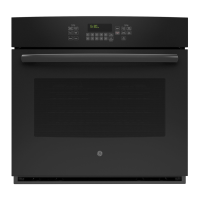
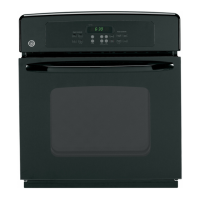
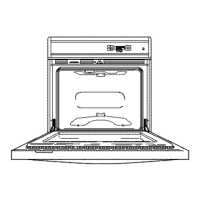
1. Prepare
the oven for cleaning.
2. Close the oven door completely.
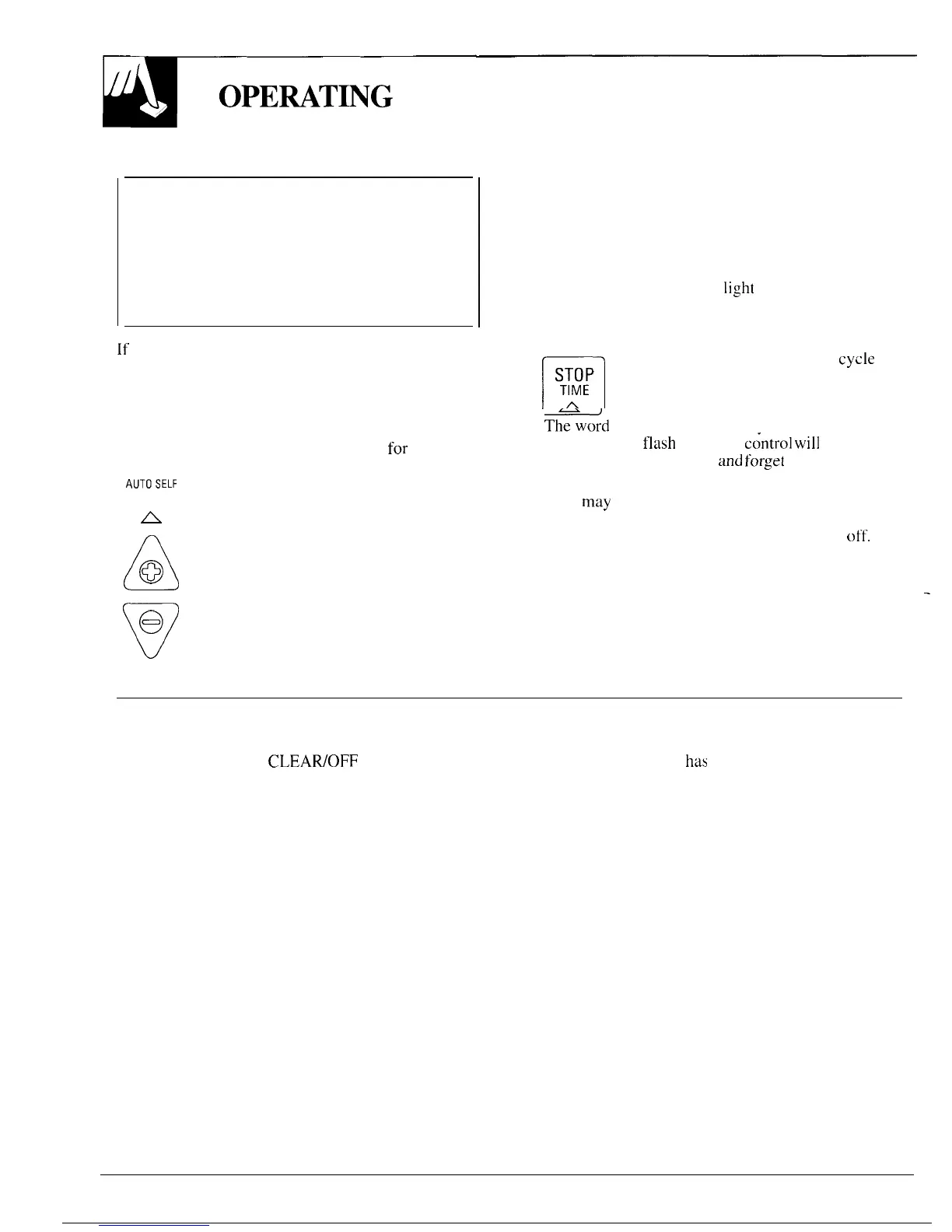
3. Press the AUTO SELF CLEAN pad.
4. Press the INCREASE or DECREASE pad
until the desired Clean Time appears.
The self-clean cycle will automatically begin after
“Clean” is displayed and the time for the Clean
cycle is set. The words “ON” and “LOCK” will
appear in the display when the door automatically
locks. It will not be possible to open the oven door
until the temperature drops below the lock
temperature and the LOCK
light
goes off.
4. When the LOCK light is off, open the door.
NOTE:
.
If the oven is too hot and you start to set a clean cycle,
the word “OFF” will appear in the display. Allow
additional time for cooling before you try to set
the cycle.
n
● You can find out when the clean
cycle
~~~~ will be finished by pressing the STOP
TIME pad.
A
NOTE:
Only one oven at a time can be self-cleaned.
● Th~word “door” will be displayed, the word
1. Follow directions to prepare the oven
for
cleaning.
“LOCK” will
flash
and oven
c~ntrol
will
signal
~u~O~~~~
2. Press the AUTO SELF CLEAN pad.
❑
if you set the clean cycle
and
forget
to close the
oven door.
CLEAN
● A fan
may
automatically turn on and off to cool
A
internal parts. This is normal and the fan may
A
3. Press the INCREASE or DECREASE
continue to run even after the oven is turned
off.
@
pad until the desired Clean Time
is displayed.
Clean Time is normally 3 hours.
v
e
You can change the Clean Time to
anytime between 2 and 4 hours,
depending on the amount of soil in
your oven.
To Stop a Clean Cycle
o
1.
Press the CLEAWOFF pad. 2. Wait until the oven
has
cooled below locking
CLEAR
temperature. You will not be able to open the
OFF
door right away unless the oven has cooled below
the locking temperature.
—
24



 To Next Page