14 MULTINET SERIAL TO ETHERNET CONVERTER – INSTRUCTION MANUAL
INSTRUCTION MANUAL
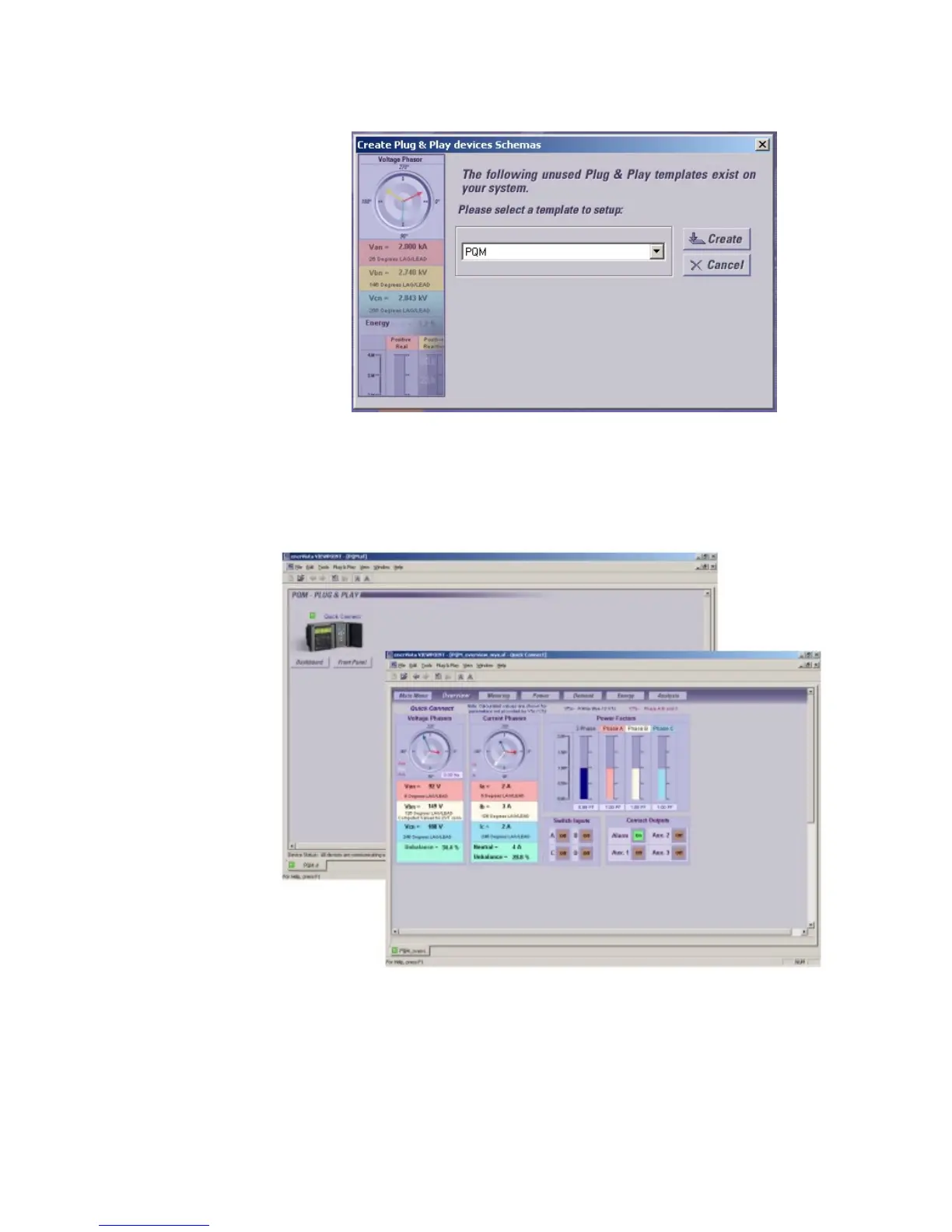
FIGURE –6: Dialog Box for Creating “plug and play” Screens
12. When finished, the plug and play menu will appear, showing our PQM labeled as
Quick Connect. Click the Dashboard button below the PQM icon to view the device
information. We have now successfully accessed our PQM through MultiNet.
FIGURE –7: Plug and Play Menu Showing Attached PQM.



 To Next Page