SOFTWARE OVERVIEW
P485 MODBUS TO PROFIBUS CONVERTER – USER GUIDE 4–9
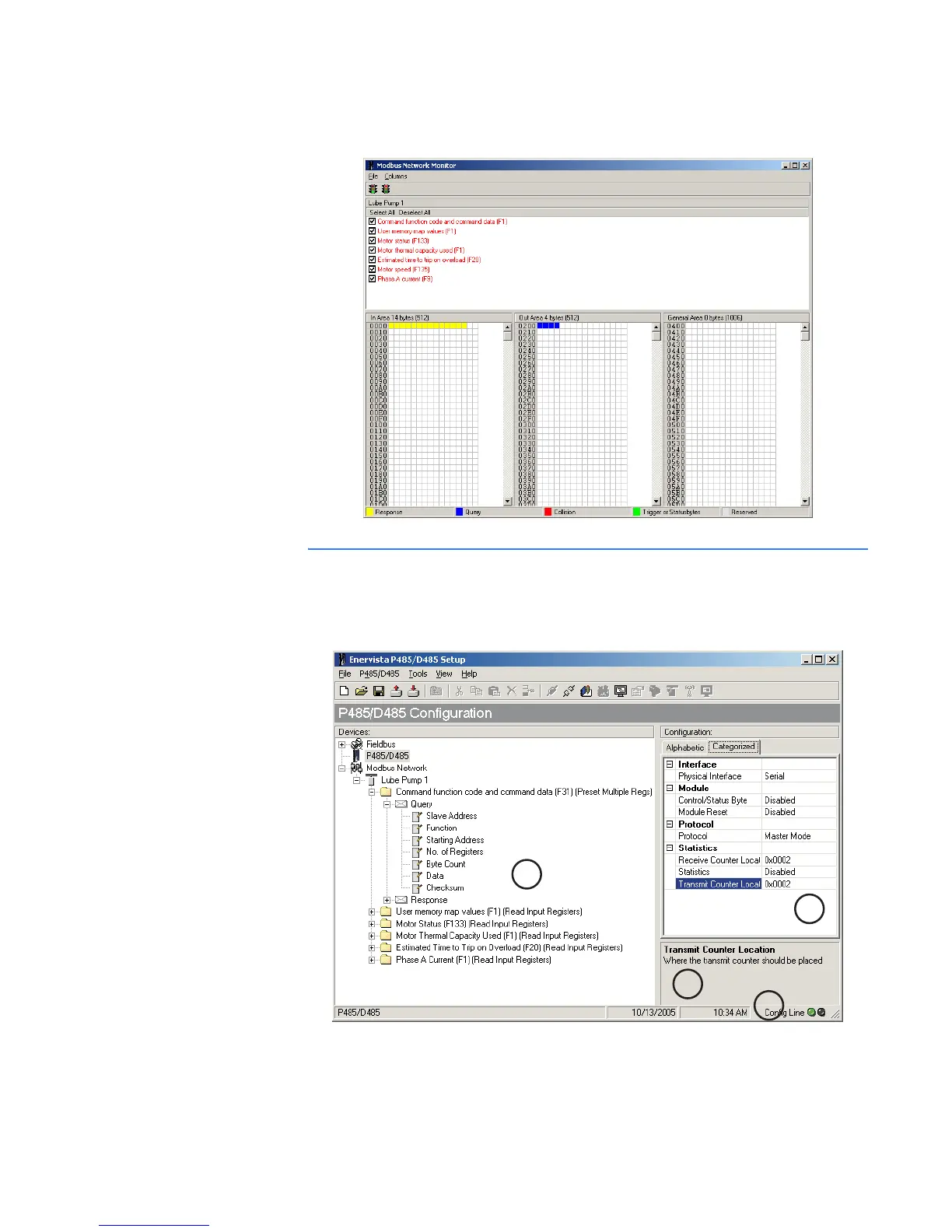
If the Sub-net Overview button is pressed, a new window will appears that graphically
displays how the data is mapped to the internal memory of the P485.
Configuration main window
DESCRIPTION The main window is shown below. It is composed of the navigation window, parameter
window, information window, and configuration line indicator.
Figure 4-3: Configurator main window
A
D
C
B



 To Next Page